How to Calculate Share of Voice in AI Answers (Formula + Worked Example)
Here is how to calculate share of voice: divide your brand's count (mentions, impressions or clicks) by the total for your brand plus the competitors you track, then multiply by 100. For AI answers, count each brand once per answer across a fixed set of prompts, runs and engines, report each engine separately, and give the result as a range.
The formula is the easy part. With AI answers, the hard part is what you count, which brands sit in the denominator, and whether a 4-point move is real or just noise. This guide covers every channel briefly, then spends most of its time on AI answers, with a worked example you can check by hand.
How to calculate share of voice: the formula for any channel
Share of voice is your brand's measure divided by the combined measure of your brand and every competitor you track, times 100. If your brand earns 100 of 1,000 counted mentions, your share of voice is 10%.
Share of voice (%) = your measure / (your measure + all tracked competitors' measure) x 100
In a spreadsheet with four brands' counts in cells B2 to B5, put =B2/SUM($B$2:$B$5) in C2, fill it down to C5 and format column C as a percentage. The shares of every brand in the set add up to 100%. That is the fastest check that your denominator is right. If your numbers add up to more than 100%, you are probably looking at mention rates, which are covered below.
What changes from channel to channel is the measure you count and where it comes from:
| Channel | What you count | Where the number comes from |
|---|---|---|
| Social and PR | Brand mentions, sometimes weighted by reach | Social listening and media monitoring tools |
| Advertising | Ad spend | Your own media spend, plus ad intelligence estimates for competitors |
| Paid search | Impression share | Google Ads reports |
| Organic search | Estimated clicks across tracked keywords | Rank trackers |
| AI answers | A brand named in an answer, counted once per answer | Repeated prompt runs on each engine |
Paid search is the odd one out. Google Ads defines impression share as your impressions divided by the total impressions you were eligible for. So it is your share of your own possible reach, not a split with named rivals. Google's Auction insights report lists rivals' impression share for the same auctions, but each figure has its own denominator, so the figures do not add up to 100%.
Organic share of voice is closer to the classic idea. Ahrefs calculates it in Rank Tracker as the clicks your site gets divided by the total clicks to all results across your tracked keywords. AI answers need their own counting rules.
How is AI share of voice different from organic share of voice?
Organic share of voice counts estimated clicks on ranked results that move slowly. AI share of voice counts brands named inside generated answers that change from run to run and come with no published prompt volumes. The math is the same, but the unit, the weighting and the stability are not.
| Factor | Organic search | AI answers |
|---|---|---|
| Unit counted | Estimated clicks or ranking positions per keyword | A brand named in an answer |
| Weighting | Keyword search volume exists | No engine publishes prompt volumes, so any prompt volume is an estimate |
| Position | Rank 1 to 10 | Order inside prose or a list, with no stable #1 |
| Stability | Rankings move slowly | Answers change from run to run |
| Data source | Rank tracker | Repeated prompt runs on each engine |
The stability row is why AI share of voice needs more care. A rank tracker checks one results page per keyword. For AI answers, one run is just one sample of an answer that keeps changing, so you need several runs of the same prompt.
First-party reports help less than you might hope. As of November 2026, Google counts AI Overviews and AI Mode inside the Search Console Performance report, under the Web search type, as its guide to AI features and your website explains. The newer Generative AI performance report shows your own impressions in AI Overviews and AI Mode, by page, country, device and date.
Neither Google report shows competitors, so neither can give you a share of voice. Bing Webmaster Tools added Citation Share in preview in June 2026. It is the percentage of citations given to your site out of all citations for a grounding query, which is the phrase the AI used when it retrieved the cited content.
That makes it citation share for your domain on Microsoft surfaces, which is a different metric from brand share of voice. Bing itself describes it as an observational metric, not a competitive scoreboard, and it does not show competitor domains. For more on what Search Console, Bing and GA4 can and cannot show you, see the GA4 guide.
How do you calculate AI share of voice, step by step?
Here is how to measure share of voice in AI answers: fix a set of non-branded prompts, decide what counts as a mention, pick the competitor set, log every answer, then calculate per engine before you combine. Each step changes the final percentage. So each one needs to be written down next to the result.
Step 1: Fix the prompt set
Use non-branded buyer prompts only, such as "best payroll software for a 20-person startup". Keep branded prompts like "is [brand] legit" out of the set, because they name you by design and inflate your share. Freeze the set for the whole reporting period, so this month's figure and last month's count the same thing. The AI visibility audit guide shows how to build that prompt set from real buyer questions.
Step 2: Decide what counts as a mention
Count each brand once per answer, not every time its name appears. If you count every repeat, one answer that names your brand five times outweighs four answers that each name a competitor once. Presence per answer is the fairer unit, and every AI share of voice calculation in this guide uses it.
Merge name variants into one brand: product names, old names, short forms and common misspellings. Keep a short alias list, so everyone on the team counts the same way.
A citation of your domain is a different metric, called citation share. Log it in its own column and never add it to mentions. A mention that gets your facts wrong still counts toward share of voice, so log accuracy in a separate column and then correct wrong information about your brand in AI answers at the source.
Step 3: Choose the competitor set and the denominator
You have two options. The tracked set is you plus three to five named competitors. The all-brands set counts every brand any answer names, with the long tail grouped into an "other brands" bucket.
Both are valid, but they give different numbers, so state which one you use on every chart. Tools differ here too. Peec AI's Position metric, for example, counts every brand detected in a response, including untracked ones, so check which brand set each metric in a tool uses.
Step 4: Count across prompts, runs and engines
Total answers = prompts x runs x engines. Twenty prompts, three runs and three engines give you 180 answers to log.
Use a simple log with one row per answer and one column per brand. Put 1 in a brand's column if the answer names it and 0 if it does not. Add columns for the engine, the prompt, the run, the date and the run conditions, such as location and whether the run was logged in or made through an API.
Step 5: Calculate per engine first, then combine
Work out each engine's share on its own first. In a spreadsheet, the per-engine share is your column total / SUM(all brand column totals for that engine).
Then combine the engines in one of two ways. Pooled share adds up mentions across engines: SUM(your totals across engines) / SUM(all brand totals across engines). Equal-weighted share is the plain average of the per-engine shares.
These two figures can differ a lot. Engines that name more brands per answer add more mentions to the pool, so they dominate a pooled number. Report the per-engine shares plus one combined figure, and name the combine method right next to it.
Mention rate is not share of voice
Mention rate is a separate metric: answers that name you / total answers x 100. It answers "how often do we show up?", while share of voice answers "how much of the conversation is ours?".
The quick test is the total. Mention rates for all brands do not add up to 100%, because one answer can name several brands.
Some guides divide each brand's mentions by the number of prompts tested and call the result share of voice. That number is a mention rate, so label it as one.
Worked example: 20 prompts x 3 runs x 3 engines
This is an illustration with hypothetical numbers, not data from any real brand. It shows how one answer log can produce three different headline figures, and why the definition matters as much as the math.
The setup: 20 non-branded prompts, run 3 times each on ChatGPT, Perplexity and Google AI Mode. That gives 180 answers, 60 per engine. The tracked set is You plus competitors A, B and C, each counted once per answer, so no brand can score more than 60 on one engine.
| Engine | You | A | B | C | Total mentions | Your share | Your mention rate |
|---|---|---|---|---|---|---|---|
| ChatGPT | 30 | 24 | 6 | 0 | 60 | 50.0% | 50.0% |
| Perplexity | 15 | 45 | 40 | 35 | 135 | 11.1% | 25.0% |
| Google AI Mode | 9 | 30 | 24 | 21 | 84 | 10.7% | 15.0% |
| Pooled | 54 | 99 | 70 | 56 | 279 | 19.4% | 30.0% |
To check each figure by hand:
- ChatGPT share: 30 / 60 = 50.0%. Mention rate: 30 of 60 answers = 50.0%.
- Perplexity share: 15 / 135 = 11.1%. Mention rate: 15 of 60 answers = 25.0%.
- AI Mode share: 9 / 84 = 10.7%. Mention rate: 9 of 60 answers = 15.0%.
- Pooled share: 54 / 279 = 19.4%.
- Equal-weighted share: (50.0% + 11.1% + 10.7%) / 3 = 23.9%.
- Overall mention rate: 54 of 180 answers = 30.0%.
Pooled shares for the whole set are You 19.4%, A 35.5%, B 25.1% and C 20.1%. Allowing for rounding, they add up to 100%, which confirms the denominator is right.
The same log gives a 19.4% pooled share, a 23.9% equal-weighted share or a 30% mention rate, and each one can end up on a slide labeled "share of voice". That is why the method has to sit next to the number on every slide.
Perplexity also shows the brands-per-answer effect. It produced 135 mentions in 60 answers, more than two brands per answer, so it carries almost half of the pooled total. That pulls the pooled share toward its own weak result for You, while ChatGPT's strong result counts for less.
Neither combined figure is wrong. Pooled share tells you how much of all the brand talk is yours, but it rewards an engine for naming more brands per answer, not for mattering more to your buyers. If you need a single headline number, default to equal-weighted share, which counts each engine once.
A position-weighted variant
Some teams weight each mention by its place in the answer's list: first = 1, second = 0.5, third = 1/3. Take one answer that lists A, then You, then B.
The weights add up to about 1.83, so You get 0.5 / 1.83, about 27%, instead of the 33% an unweighted count gives. A gets about 55% and B about 18%.
The catch is that answer order changes from run to run, so position weighting adds noise as well as signal. Semrush factors position into its AI share of voice, as the tool comparison below shows.
A sentiment-weighted variant
A sentiment-weighted share counts only positive mentions, in both the numerator and the denominator. It depends on a sentiment label, which is itself a judgment call made by a person or a model. Report it next to raw share, never instead of it.
How does the competitor set change the percentage?
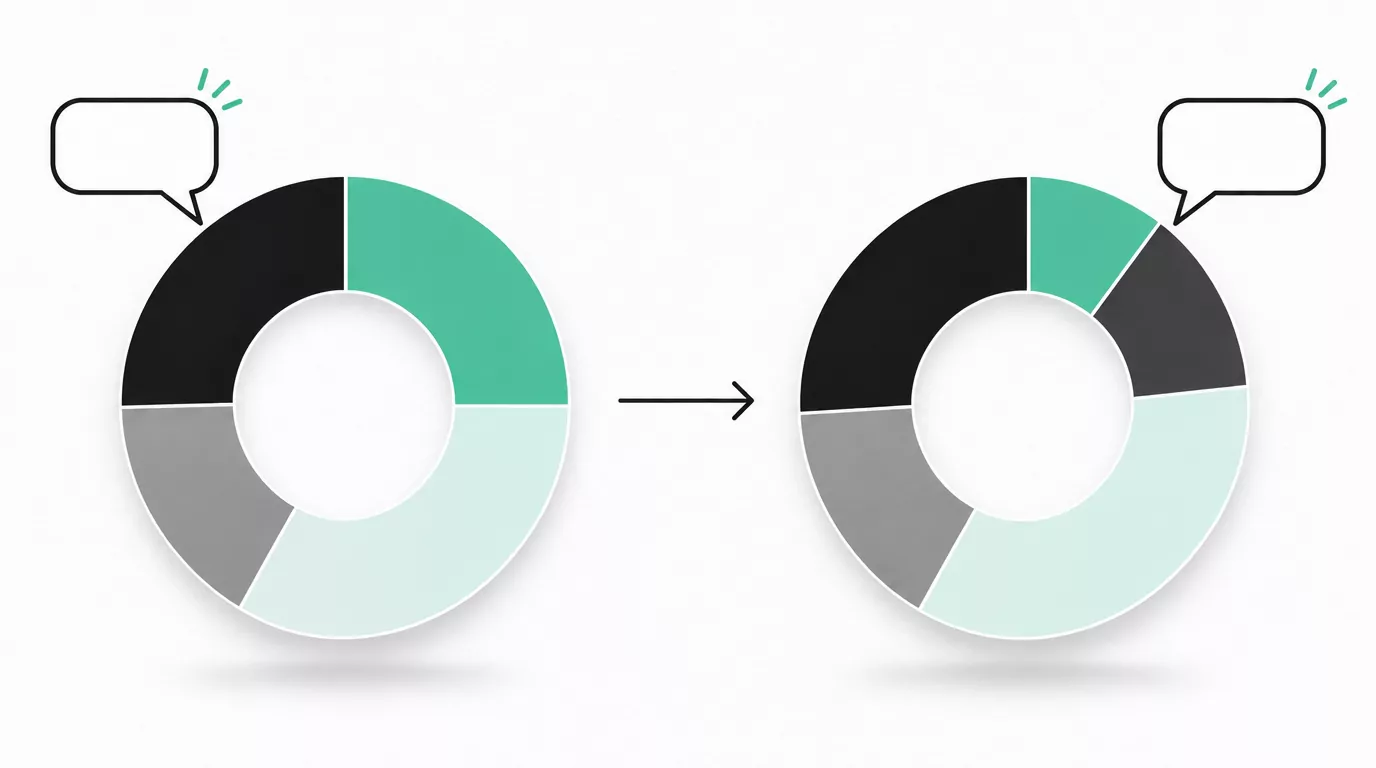
The competitor set is the denominator, so changing it changes your share even when nothing about your own visibility moved. Lock the set for trend lines and say which one you used.
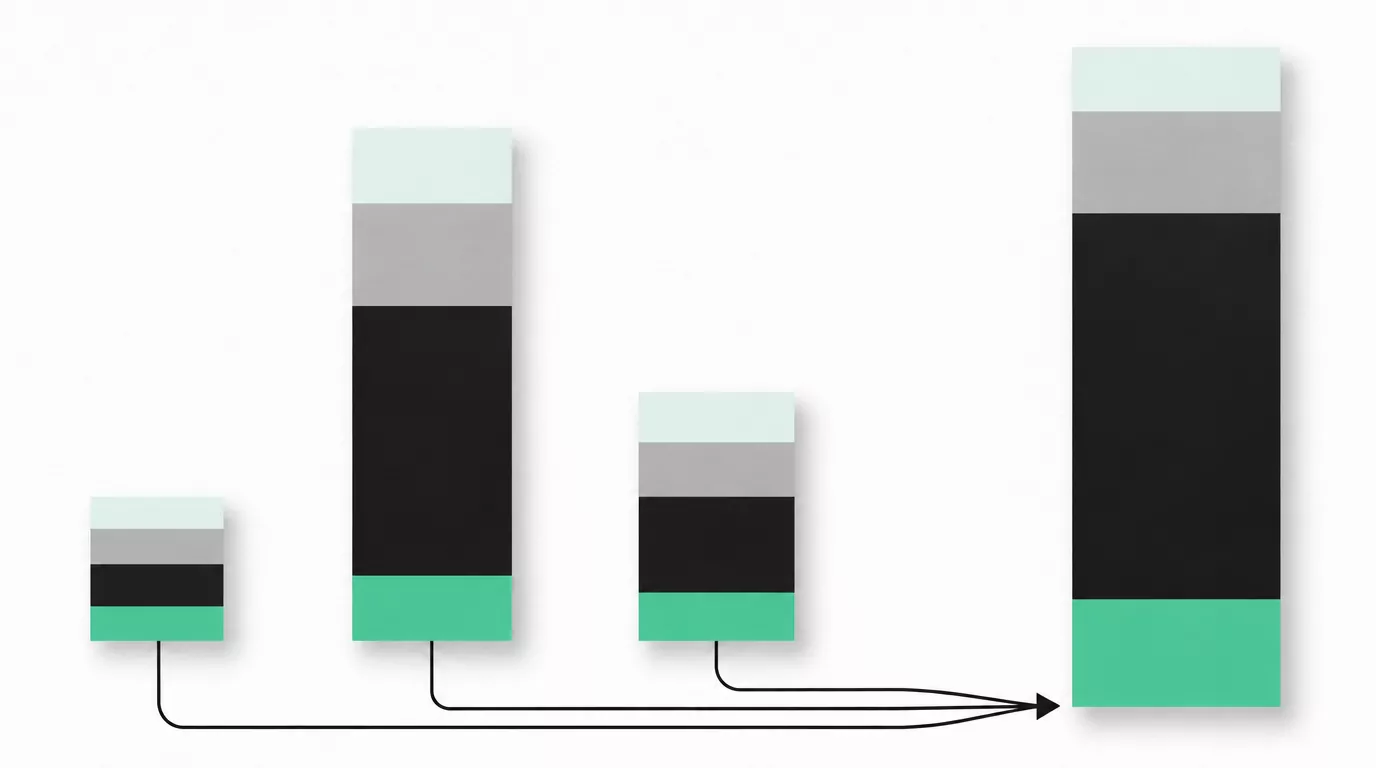
Take the example above and add competitor D with 45 mentions. Your pooled share drops from 19.4% to 16.7% (54 / 324), and your own visibility did not change at all.
Now start again from the original four-brand set, with its 279 mentions, and switch to "every brand named" instead. Say the answers named untracked brands 60 times, D's 45 among them. Your share becomes 54 / 339 = 15.9%.
Do not chain the two scenarios. Adding D and then adding all 60 untracked mentions gives 54 / 384 = 14.1%, which counts D twice and is wrong.
Three rules keep this honest:
- Lock the competitor set for any trend line.
- When you must change it, recalculate the history on the new set and mark the change on the chart.
- When leadership asks "share of what?", show the tracked-set and all-brands figures side by side.
How much of a change in share of voice is real?
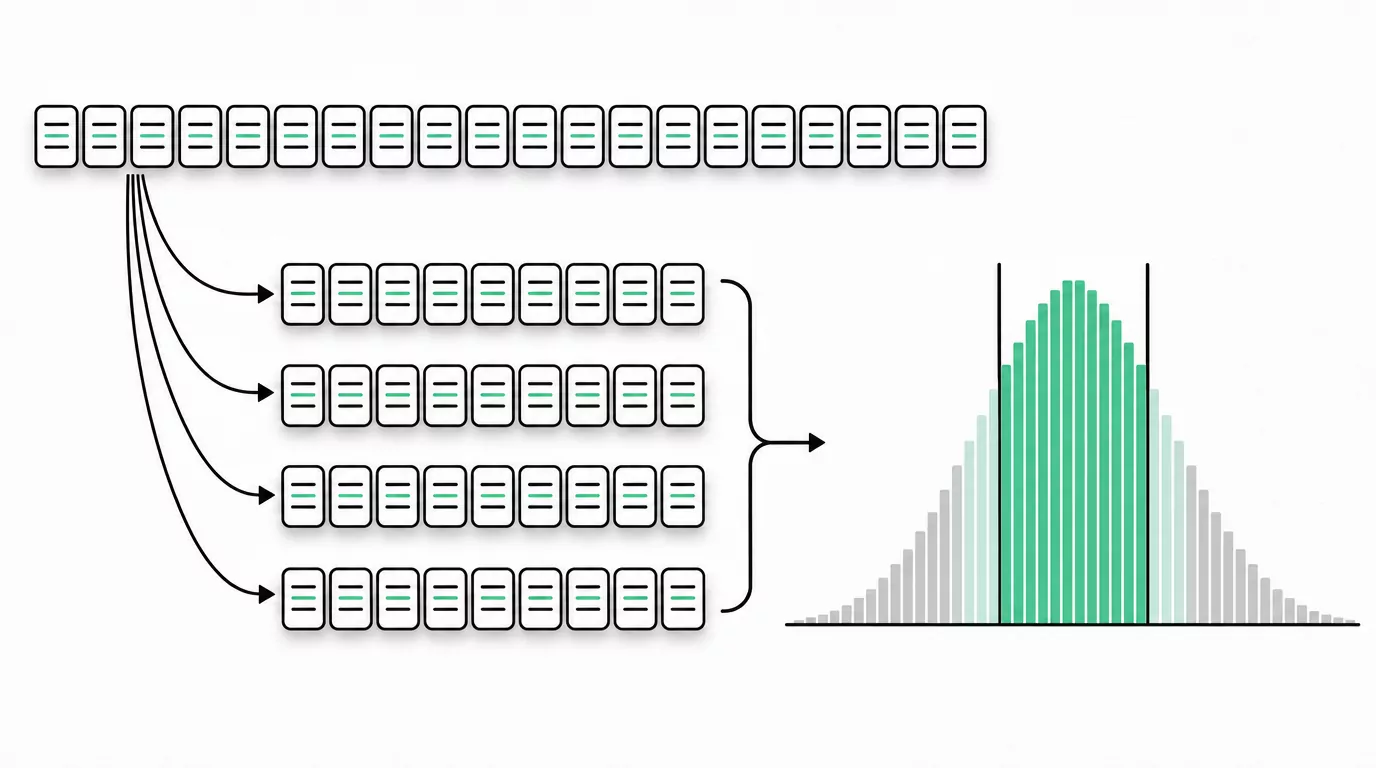
A change is real only when it is larger than the run-to-run noise. Put a range on every share of voice figure, and call a move meaningful only when the ranges stop overlapping or the move holds across several periods.
Mention rate is a simple proportion, so a standard binomial interval, such as the Wilson method, gives its range. The NIST/SEMATECH e-Handbook explains confidence intervals for proportions, and the guide on how to measure AI visibility gives spreadsheet formulas for that range.
Share of voice is harder, because the numerator and the denominator both move. A bootstrap by prompt gives you a range without any special formula:
- Keep the answer log with one row per prompt, run and engine.
- Resample the 20 prompts with replacement. Keep all runs and engines of each drawn prompt together, because the prompt is the unit you sampled.
- Recompute the share you report, pooled or equal-weighted, on the resampled set.
- Repeat this 1,000 times in a spreadsheet or a short script.
- Take the 2.5th and 97.5th percentiles of those results as the range.
In a spreadsheet, first build a per-prompt summary: one row per prompt, with your mentions and all-brand mentions summed over its runs and engines. For one resample, draw 20 prompt numbers with RANDBETWEEN(1,20), pull each drawn prompt's two totals with INDEX, and divide the sum of your totals by the sum of all-brand totals. Copy that block 1,000 times, then take PERCENTILE of the 1,000 results at 0.025 and 0.975. RANDBETWEEN draws new numbers every time the sheet recalculates, so paste the 1,000 results as values before you report the range.
That recipe gives the range for pooled share. For an equal-weighted headline, keep each prompt's two totals per engine, work out each engine's share on the same drawn prompts, and average those shares in every resample.
Resampling prompts, not single answers, matters. Runs of the same prompt tend to agree with each other, so treating them as separate draws would make the range look tighter than it really is. The same caveat applies to the Wilson interval above: computed on all 180 answers, it counts each run as a separate draw, so read it as the narrowest plausible range, or bootstrap mention rate by prompt as well.
A small prompt set gives a wide range. That is useful to know: it tells you how large a move must be before it is worth reporting. Show the point figure and its range together, and treat a one-month jump inside the range as noise.
Why do AI share of voice numbers differ between tools?
Vendors count different things. Compare a tool with itself over time, never one tool's 22% with another tool's 31%.
This table sets each source's published definition side by side, as of November 2026:
| Source | What it counts | Weighting |
|---|---|---|
| Semrush AI Visibility Toolkit (Brand Performance report) | How many times the brand is mentioned and how high it appears | Mentions plus position |
| Semrush Enterprise AIO | Mentions and the brand's position in AI responses | Position, plus the topic's search volume for ChatGPT |
| Peec AI | Times your brand was mentioned / total brand mentions x 100 | None in the share of voice formula |
| LLM Pulse | Mention frequency relative to total brand mentions across tracked prompts | No position weighting described |
| Ahrefs Rank Tracker (organic, for contrast) | Your clicks / total clicks to all results across tracked keywords | Estimated clicks |
| Bing Webmaster Tools Citation Share (first-party, in preview) | Your site's share of all citations for a grounding query | Citations, not brand mentions |
Peec AI also keeps a separate Visibility metric: responses that mention your brand / total responses x 100. That is a mention rate, and it sits next to share of voice rather than replacing it.
Beyond the formula, these choices move the number from one tool to the next:
- The prompt set, and whether branded prompts are mixed in.
- The competitor set, and whether untracked brands count.
- The engines and models covered.
- API calls versus what a logged-in user sees in the interface.
- Location settings.
- Run frequency, and how many runs each prompt gets.
- The counting rule: once per answer or every mention.
None of this makes one vendor right and another wrong. It means a share of voice number without its definition cannot be compared with anything.
What is a good share of voice percentage?
There is no universal good number. A good share of voice depends on how many brands share the category and how far you sit from the leader.
Start with a fair-share baseline: 100% divided by the number of brands in the tracked set. With four brands, fair share is 25%. With five, it is 20%.
Divide your share by fair share to get a share index. In the example, 19.4% / 25% = 0.78, so You sit below an even split. An index above 1 means you get more than an even share of the mentions.
The gap to the leader matters more than the absolute number. In the example, A holds 35.5%, close to twice your share. Closing that gap is a clearer goal than chasing a round figure.
Category shape matters too. When engines name only a few brands per answer, shares are lumpy. In categories with long lists, a lower share can still lead.
LLM Pulse's glossary illustrates this: 50% suggests parity in a category with two major players, while 15% may mean leadership among ten alternatives. Treat those as illustrations, not benchmarks.
Does AI share of voice predict revenue? It is an awareness and competitive metric. Comparing it with GA4 or Search Console data shows correlation, not attribution.
Frequently Asked Questions
What does share of voice mean in marketing?
Share of voice is your brand's portion of the total visibility in a market, measured as ad spend, mentions, impressions or clicks. The formula is your measure divided by the total for you and your tracked competitors, times 100.
What do 50% and 100% share of voice mean?
50% means half of all counted mentions in the set are yours. Against fair share, 50% is parity with two tracked brands and twice fair share with four. 100% means no tracked competitor was named in any counted answer, which in AI answers usually points to a competitor set that is too narrow or to branded prompts, not to true dominance.
What is excess share of voice (ESOV)?
Excess share of voice is share of voice minus share of market, a concept from advertising research that uses share of ad spend. The IPA describes the long-standing rule of thumb as about a 0.5 point gain in market share for every 10 points of ESOV, depending on the category, and says that link is now being challenged. The rule comes from ad spend and market share data, not AI answers, so do not apply it to AI share of voice.
What is the difference between share of voice and share of market?
Share of voice vs share of market comes down to what is counted. Share of market is your share of category sales or revenue. Share of voice is your share of the visibility you counted, such as mentions in AI answers, so a brand can lead on one while it trails on the other.
How do you calculate share of voice for organic search?
Estimate the clicks for each tracked keyword: search volume times the expected click-through rate at each ranking position. Then divide your clicks by the total clicks to all results. Rank trackers do this for you, as the Ahrefs Help article on Rank Tracker describes.
What should you write down next to the number?
A fair criticism of AI share of voice is that it can flatter whoever reports it. Pick friendly prompts, a weak competitor set and the most flattering combine method, and almost any brand can look strong. The answer is not to drop the metric, but to publish the method with it.
Write these six things next to every AI share of voice figure:
- The prompt set, and a note that it is non-branded.
- The counting rule: each brand once per answer.
- The competitor set and the denominator: tracked set or all brands.
- The engines and run conditions: runs per prompt, dates, location, and logged in or API.
- The combine method: per engine, plus pooled or equal-weighted.
- The range, from a bootstrap by prompt.
With these six lines, anyone can recompute the figure from your log and get the same number. They can also rerun the prompts and check that the new result lands inside your range. That is what makes a share of voice figure defensible in a board deck.
MentionForce is built for exactly this: tracking where AI answers mention your brand, how you compare with the competitors you name, and which sources those answers cite. Follow MentionForce updates on the blog.