How to Track AI Traffic in GA4: Build an AI Channel Group (and What It Can't See)
To track AI traffic in GA4, open Reports > Acquisition > Traffic acquisition and look for the AI Assistant row under Session default channel group, which Google announced on May 13, 2026. For assistants that channel's definition does not list, such as Perplexity, build a custom channel group whose AI channel matches AI domains by source and sits above Referral.
The harder part is knowing what that setup misses. This guide shows how to track AI traffic in GA4 from the native channel to a custom group built from your own sources, then covers why the numbers stay low and what Search Console and Bing add. Platform facts are as of November 2026.
What counts as AI traffic in GA4?
AI traffic in GA4 is a human visit that clicks through from an AI assistant's answer. It is not crawler activity, and it is not AI visibility. GA4 shows the trackable floor of AI-driven visits, nothing more.
Most AI crawlers fetch pages without running JavaScript, so they never become GA4 sessions. Check crawler access in server logs; OpenAI's crawler documentation lists its user agents, and this ChatGPT search technical checklist shows how to confirm they reach you. GA4 also drops known bots and spiders automatically, and you cannot see how much it removed.
Agents and AI browsers that render pages are the exception. Optimize Smart warns they can create human-looking sessions, and it observed a chatgpt.com / (not set) row with zero engagement that was bot traffic. Check engagement rate and average engagement time before you count any AI row.
How do you track AI traffic in GA4 with the built-in AI Assistant channel?
The GA4 AI Assistant channel is the fastest place to start. Open Traffic acquisition, keep Session default channel group as the primary dimension and add Session source as a secondary one. The rows under AI Assistant show which assistants your property already classifies.
Here is what Google documents. Its What's new entry for May 13, 2026 says that when the referrer matches Google's list of AI assistants, GA4 sets the medium to ai-assistant and the campaign to (ai-assistant). The entry names ChatGPT, Gemini and Claude as examples. The Default channel group page gives ChatGPT, Gemini, DeepSeek, Copilot and Grok as example sources. It excludes Google AI Overviews and AI Mode, which stay in Organic Search.
Here is what Google does not document. It publishes no full referrer list, and it does not say whether older data was reclassified. Perplexity is not named on either page, which is not the same as excluded. The rollout was also gradual: Search Engine Journal reported on July 15, 2026 that most properties had it by early June 2026.
- Find the first date your AI Assistant row has data. Treat that date, not May 13, as the break in any trend.
- Set a date range before that day. If AI Assistant shows data there, your history was reclassified.
- Try Source Group, added June 11, 2026, as a second lens. It groups messy source values such as ChatGPT (OpenAI) and Perplexity, including past data.
Which AI sources does your property actually receive?
Your regex should come from your own data, not from a list of 100 domains copied from a blog. Switch the table to Session source / medium and search for each assistant. Then write down the exact strings you see.
Search the table for chatgpt, openai, perplexity, gemini, copilot, claude, deepseek, grok and meta, one at a time. A free-form exploration with Page referrer as a row adds detail. Typical results:
-
chatgpt.com / referralorchatgpt.com / ai-assistant -
chatgpt.com / (not set), a visit with a source tag but no medium perplexity.ai / referral- Anything with the medium
ai-assistant
How do you build a custom AI channel group?
Custom channel grouping in GA4 lets you define one AI channel that catches the native ai-assistant traffic plus the sources Google's list leaves out. You build it once in Admin, test it and then decide whether to make it primary.
Create the group from a copy of the default
Go to Admin > Data display > Channel groups > Create new channel group. GA4 starts you with a copy of the default group. You need the Editor role or higher.
Plan before you save. Google's custom channel groups page allows two custom groups on standard properties (five on 360), each with up to 50 channels. Do not burn one of your two slots on a test. Add a channel and name it "AI assistants (all)".
Set the conditions: medium ai-assistant OR a source regex
Give the channel two conditions joined with OR. Condition A: Medium exactly matches ai-assistant. Condition B: Source matches the regex below.
^(.*\.)?(chatgpt\.com|chat\.openai\.com|perplexity\.ai|gemini\.google\.com|copilot\.microsoft\.com|copilot\.com|claude\.ai|deepseek\.com|grok\.com|meta\.ai)$Each name is one assistant's domain. The (.*\.)? part allows an optional subdomain, and the anchors stop partial matches. Adjust the list to match the sources you found in your own property, then test it against every string you wrote down.
Never widen gemini\.google\.com to plain "google". That would pull Google organic traffic into your AI channel.
Google's page now carries its own "AI assistants" example with a regex. It covers ChatGPT, Gemini, Microsoft Copilot, Claude and Perplexity. It also uses broad catch-alls, such as a gpt wildcard and an option that matches any source ending in "ai". Test it against your own sources before you reuse it.
Put the AI channel above Referral and Unassigned
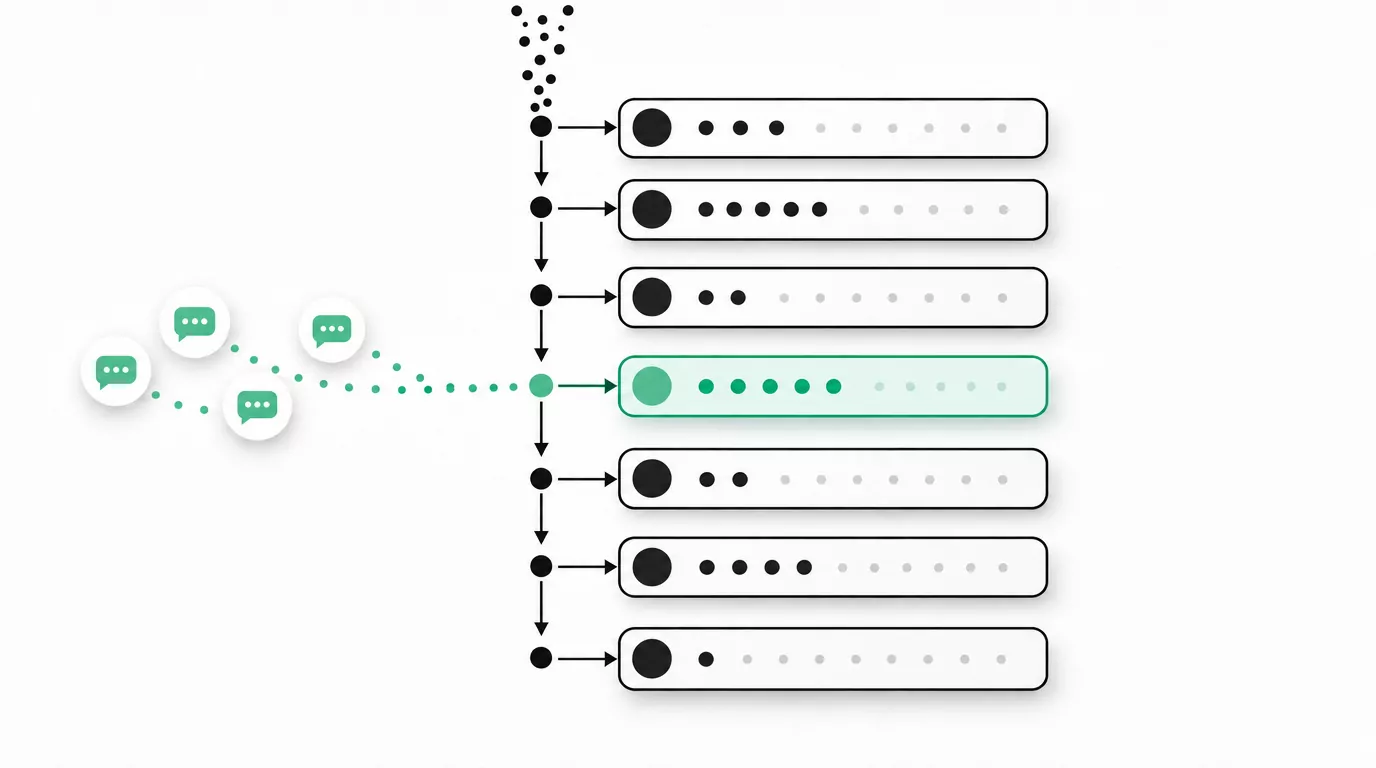
GA4 assigns each session to the first channel it matches, in order. So move "AI assistants (all)" above Referral, Organic Social and Unassigned, and keep it below your paid channels. If it sits under Referral, chatgpt.com / referral never reaches it.
Your copy also includes GA4's native AI Assistant channel. Delete it, or move your new channel above it, so Condition A catches the native traffic. If you skip this, AI traffic splits across two channels. If your source check showed an AI source landing in Organic Search, Google's example allows placing the AI channel above Organic Search too. Keep the Gemini domain exact if you do.
Catch ChatGPT visits that arrive with no medium
OpenAI's Publishers and developers FAQ says ChatGPT adds utm_source=chatgpt.com to referral links. Search Engine Roundtable reported in June 2025 that the tag appears on citation and "More" links. A visit that carries the source tag but no medium can show up as chatgpt.com / (not set) and fall into Unassigned. Check whether you have that row.
Condition B has no medium rule, so it catches this row. Look at the row's engagement first. Analytics Playbook saw real ChatGPT Atlas clicks arrive this way in October 2025, while Optimize Smart saw bot traffic in the same row. It also found that Atlas reports as Chrome, so GA4 cannot tell Atlas apart from ChatGPT. Treat the row as one to check, not as automatic AI traffic.
Check it, then decide whether to make it primary
Custom groups apply to reports retroactively. Switch Traffic acquisition to Session custom channel group and compare "AI assistants (all)" with the native AI Assistant row for the same dates. The gap should come from sources Google does not list and from visits with no medium.
If the numbers look right, make it your primary channel group (future reporting only). Three more limits:
- Audience eligibility changes only going forward, not retroactively.
- Custom groups do not appear in the Key events paths report.
- They are not in the BigQuery export schema, so rebuild the logic in SQL there.
How do you report on AI traffic once it is grouped?
Use an exploration for analysis and a native GA4 dashboard for the team. The exploration shows where AI visitors land and whether they convert. If you run several locations, read those landing pages alongside city by city checks of which businesses ChatGPT recommends.
Build a free-form exploration with these settings:
- Rows: Session custom channel group, then Session source, then Landing page + query string
- Metrics: Sessions, Engaged sessions, Engagement rate, Key events
- Filter: your AI channel only
- Visual: a weekly line chart with a date comparison
Then add the AI channel to a GA4 dashboard (added September 9, 2026). Creating one takes the Editor or Administrator role, and published dashboards are shared with the whole property. Standard properties get 15 cards (30 on 360), with no API, segments or Search Console data.
Why does GA4 undercount AI traffic?
Even a perfect AI channel group misses part of the AI-driven visits, for structural reasons no regex fixes. Treat your AI channel as a floor, and distrust any "you only see X percent" figure without a named primary study.
Stripped referrers land in Direct
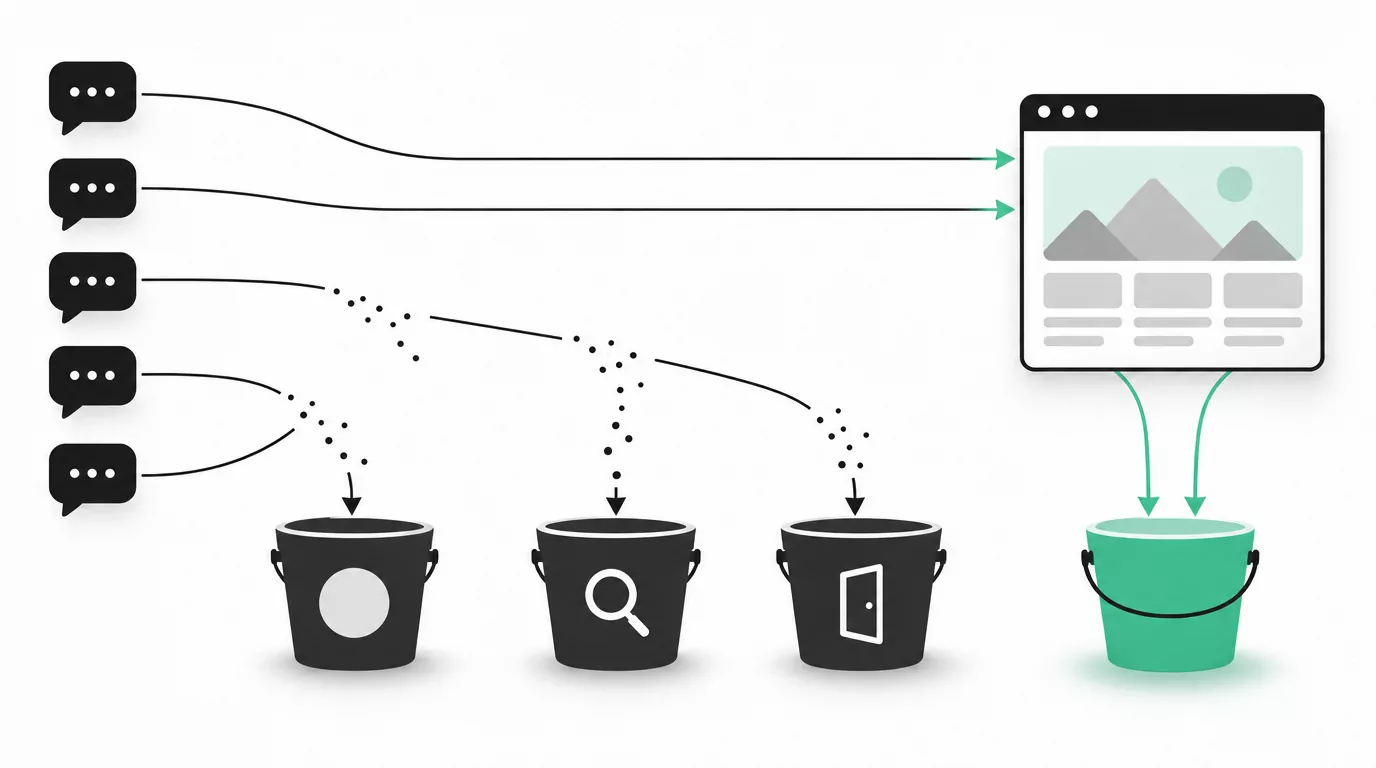
When someone copies a link from an answer and pastes it into a browser, there is no referrer. Privacy features and noreferrer links strip it as well. GA4 then files the visit under Direct.
Assistant apps and in-app browsers drop the referrer
Apps often open links without passing a referrer, so nothing ties the visit to the assistant. A UTM tag helps only when the assistant adds one, as ChatGPT does.
Mentions without a link become branded search or direct visits
An answer can name your brand without a link. A reader who then searches for you shows up as organic or direct traffic, with no tie to the answer. If that answer gets a fact about your brand wrong, fix the source the answer relies on.
AI Overviews and AI Mode clicks sit inside Google organic
GA4 counts clicks from Google AI Overviews and AI Mode as google / organic, mixed with regular search clicks. Only Search Console shows these features at all. For what that means beyond reporting, see GEO vs SEO.
New or unlisted assistants wait until the regex catches up
A new assistant lands in Referral until you add it to your pattern. That is why the monthly check below reviews new source values.
What can fill the gaps GA4 cannot see?
Search Console and Bing Webmaster Tools add impressions and citations next to GA4's sessions. Neither is a visit count, but together they show where AI features surface your pages when nobody clicks. An AI visibility audit snapshots all three for the same date range. None of them shows whether an answer names your brand, so learn how to measure AI visibility with repeated prompt runs.
Search Console's Generative AI performance report
Google announced the report on June 3, 2026, and it reached all sites worldwide by August 31, 2026. Per its help page, it shows impressions only for AI Overviews and AI Mode, by page, country, device and date. A Search type filter splits text-based and multimodal results. It has no clicks, CTR, position or queries, and tables stop at 1,000 rows.
It has an export button, but at the time of writing no documented API. Export it monthly to keep your own history.
A fixed query set with and without AI Overviews
In the main Performance report, track two fixed sets of queries: one that shows AI Overviews and a control set that does not. Compare clicks, impressions and CTR per set each month. A falling CTR on the AI Overview set while the control holds is a signal, not proof.
Bing Webmaster Tools AI Performance
Bing launched AI Performance in public preview on February 10, 2026. It shows citations of your pages in Microsoft Copilot, Bing AI summaries and select partners, with a sample of grounding queries. June 16, 2026 added Intents, Topics, Citation Share and Compare. October 13, 2026 added Topics Portfolio in beta. Citations are not visits, so read them next to GA4, not instead of it.
Branded search and Direct as lagging signals
Branded queries in Search Console and Direct sessions in GA4 can rise after more AI mentions, but many other things move them too. Some teams also track text-fragment clicks (#:~:text=) through Google Tag Manager. Featured snippets and People Also Ask use the same links, so treat that as a rough proxy.
How do you put GA4 and Search Console AI data side by side in Looker Studio?
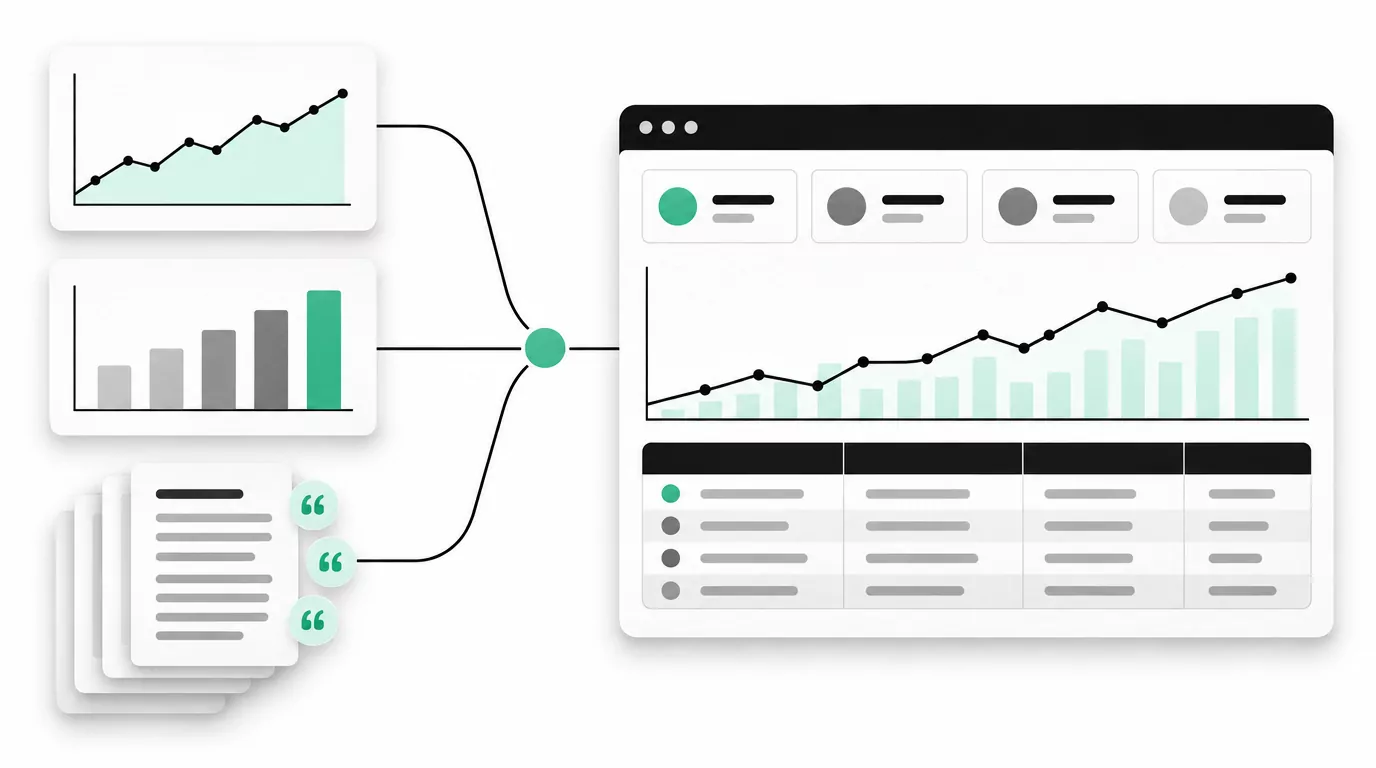
Looker Studio can place GA4's AI channel, Search Console clicks and Generative AI impressions on one page, joined by date and page. The result shows correlation, never attribution.
Connect three data sources:
- GA4 connector: Session custom channel group, Landing page, Sessions, Key events.
- Search Console connector (URL impression table): Landing Page, Clicks, Impressions, CTR.
- A Google Sheet holding your monthly Generative AI report exports by page.
Blend them on date and page, following Google's How blends work guide. GA4 landing pages are paths, while Search Console pages are full URLs. Add a calculated field on the Search Console source that strips the protocol and host first:
REGEXP_REPLACE(Landing Page, "^https?://[^/]+", "")If you have no custom group, add a fallback field on the GA4 source. It checks the medium as well as the source, and the [.] form avoids escaping problems:
CASE
  WHEN Session medium = "ai-assistant" THEN "AI assistants"
  WHEN REGEXP_MATCH(Session source, "^(.*[.])?(chatgpt[.]com|chat[.]openai[.]com|perplexity[.]ai|gemini[.]google[.]com|copilot[.]microsoft[.]com|copilot[.]com|claude[.]ai|deepseek[.]com|grok[.]com|meta[.]ai)$") THEN "AI assistants"
  ELSE "Other"
END
Put scorecards on top, then a weekly series of AI channel sessions, Search Console clicks and AI feature impressions, then a page table. Add date notes for May 13, 2026 (native channel), the day you created your custom group and August 31, 2026 (report rollout). Title the charts with "correlation", never "attributed to AI". Agencies can reuse the same report for each client property.
What should you check every month?
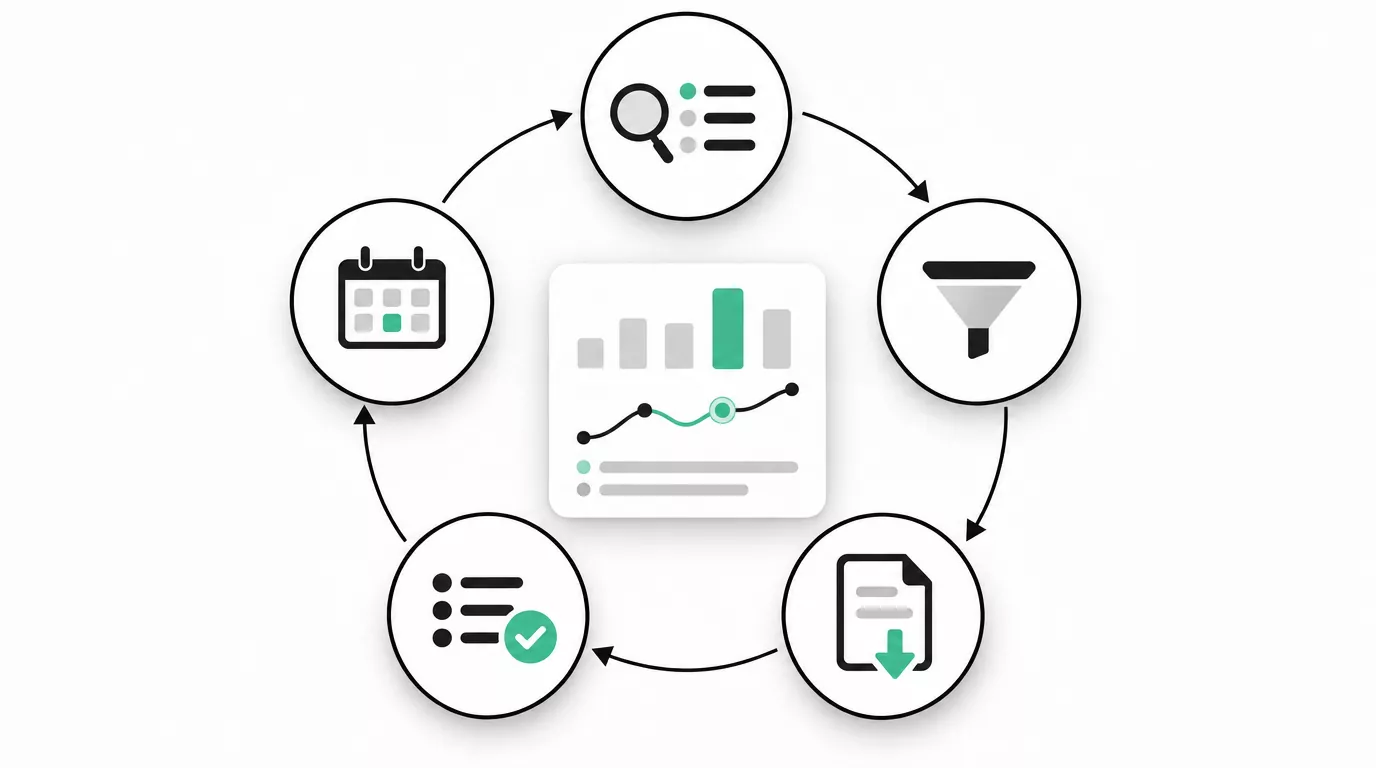
AI sources change often. A short monthly review keeps the group accurate and the history usable.
- Review new Session source values and update the regex.
- Watch Unassigned and any
(not set)medium rows, with their engagement. - Export the Generative AI performance report into your sheet.
- Re-check which sources sit in the native AI Assistant row.
- Note every change on the dashboard so trend breaks have a reason.
Frequently Asked Questions
What is AI Assistant traffic in GA4?
It is the default channel for visits whose referrer matches Google's list of AI assistants, with the medium ai-assistant. Google names ChatGPT, Gemini, Claude, DeepSeek, Copilot and Grok as examples. It excludes AI Overviews and AI Mode. Perplexity is not named on those pages, so check Session source for perplexity.ai and catch it with a custom group.
Does Google Analytics track bot traffic?
GA4 removes known bots and spiders automatically. You cannot see how many it removed, and there is no bot report. Crawlers that do not run JavaScript never become sessions in the first place.
How do you detect AI agent traffic in GA4?
GA4 has no agent label. Look for AI source rows with zero engagement time, odd session lengths and (not set) mediums, then confirm in server or CDN logs by user agent. A hostname Include filter (September 21, 2026) blocks spam hits but does not identify agents.
Why does GA4 show so little ChatGPT traffic?
Much of it arrives without a referrer, through apps, copied links or brand searches, so GA4 files it under Direct or organic. Your AI channel is a floor.
Can I see Google AI Overviews or AI Mode clicks in GA4?
No. GA4 counts those clicks as google / organic with no way to split them out. Search Console's Generative AI performance report shows their impressions, but not clicks.
GA4 shows the visits AI answers send you, not the answers themselves. MentionForce is built for that other half: tracking where AI answers mention your brand, how you compare with competitors, and which sources those answers cite. Follow MentionForce updates.