How to Correct Wrong Information About Your Brand in AI Overviews, ChatGPT, Perplexity and Gemini
You cannot edit an AI Overview or a ChatGPT answer directly. To correct one, record the wrong answer across several runs, trace the claim to the page the engine relies on, fix or replace that page, report the answer through the engine's own feedback route, and re-run the same prompts for several weeks to confirm the claim is gone.
That is how to correct AI Overview errors about your brand, and the same loop works for ChatGPT, Perplexity and Gemini. The engines differ in how they show sources and take feedback, so each step below names the engine. No engine promises to change a specific answer, and none publishes a correction timeline.
Why does an AI Overview get your brand wrong?
An AI answer gets your brand wrong because it repeats, merges or misreads something it found, or because it answers from what the model learned in training. The cause decides the fix. For the wider picture, see what changes between GEO and SEO.
Google's AI Overviews help page says "AI Overviews can and will make mistakes." In its May 2024 update on AI Overviews, Google named two causes: misread language on web pages, and "data voids," where little good content exists on a question.
The best public test so far was run by Oumi for The New York Times. Across 4,326 Google searches, AI Overviews were right 91 percent of the time with Gemini 3, but 56 percent of those correct answers linked to sources that did not fully support them, according to The Decoder's write-up. Identical searches could also return different answers seconds apart. Keep the caveats in mind: the test used the SimpleQA benchmark (hard trivia, not brand queries), Oumi's own AI model graded the answers, and Google disputed the method.
Most brand errors fall into one of four root causes.
| Root cause | What you see | Where the fix happens |
|---|---|---|
| 1. A page says the wrong thing | An old press release, outdated directory, rival comparison or review site states the error | Correct that source |
| 2. A page is stale or about a different entity | An old pricing page, a pre-rebrand name, or a company with the same name | Update, redirect or disambiguate |
| 3. The sources are right but the summary is wrong, or no good source exists | Every cited page is correct, yet the answer is not (Google's "data void") | Publish one clear, quotable statement of the fact and get it onto the pages engines already cite; feedback matters most here |
| 4. No citations at all | The answer shows no sources, so there is nothing to trace | Fix the sources that back up the fact and wait for retrieval or model updates; no one can promise a timeline |
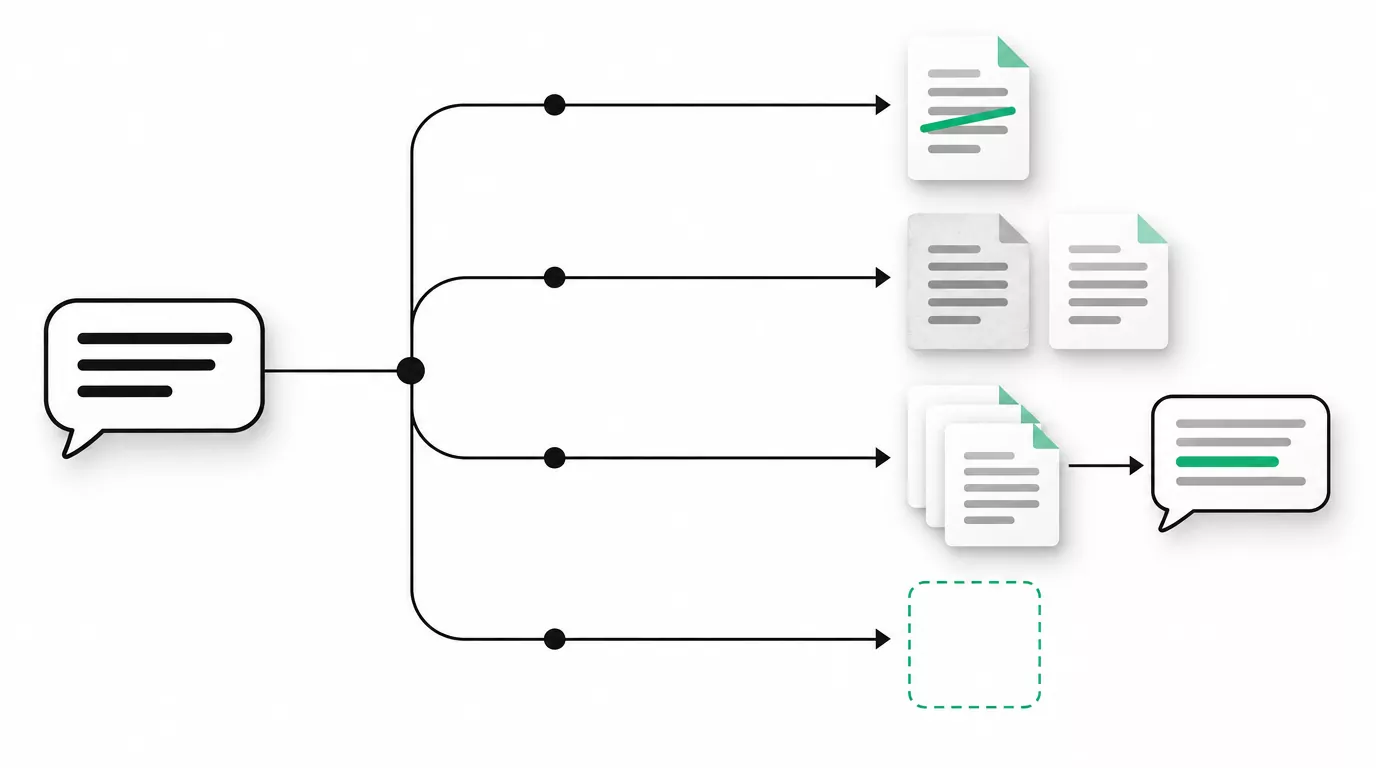
Step 1: Record the wrong answer before you change anything
Write down exactly what the engine said before you fix anything. Without a record, you can't tell whether your fix worked.
For each check, capture the exact prompt, the engine and mode (AI Overview or AI Mode in Google, and whether a ChatGPT answer showed sources), the date, the location, and whether you were signed in. Add a screenshot and every cited URL.
Answers vary from run to run, so one screenshot proves little. Run each prompt several times per engine (five runs is a sensible start) and log how many runs contain the wrong claim. That count is your baseline.
| Prompt | Engine and mode | Date | Runs with the error / total runs | Exact wrong claim | Cited URL(s) | Root cause (1 to 4) | Fix and owner | Re-check date |
|---|---|---|---|---|---|---|---|---|
| Illustration: "example brand pricing" | Google AI Overview | Week 0 | 3 / 5 | "Plans start at the old price" | example.com/old-pricing | 2 | Web team: 301 the old page | Week 1 |
The row above is an illustration. Add one row per wrong claim, per engine, and test the prompts buyers actually use:
- "[brand] pricing"
- "is [brand] legit"
- "[brand] reviews"
- "does [brand] integrate with [tool]"
- "[brand] vs [rival]"
- "who owns [brand]"
- For locations: "[brand] [city] hours" and "best [service] in [city]"
Try a few phrasings of the same question too. Google's AI features guide says its AI responses may use "query fan-out," running several related searches to build one answer. So near-identical prompts can pull different sources.
Step 2: Trace the claim to the page the answer relies on
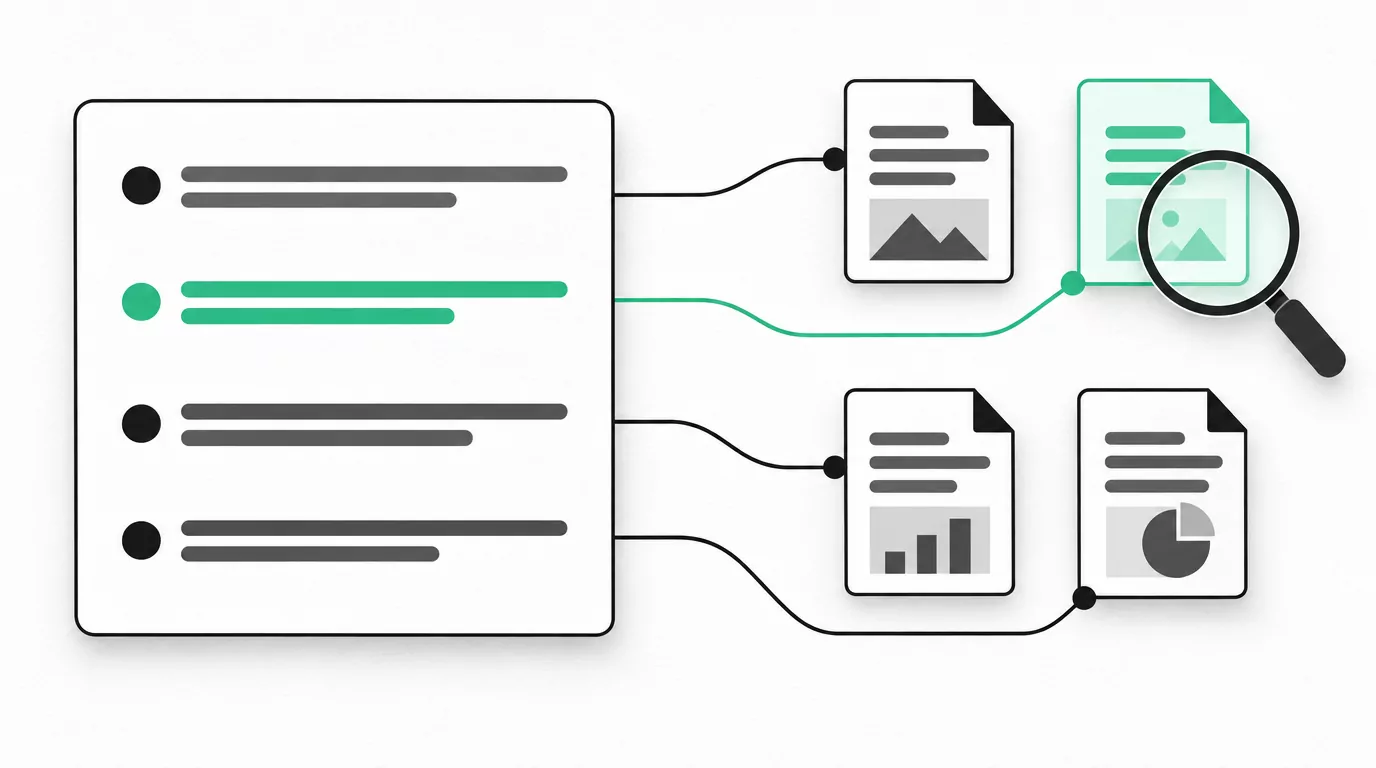
Every fix starts from the page behind the claim. Open each cited page and ask one question: does this page say the wrong thing?
A source may not rank for your query, so also search the exact wrong wording in quotes.
Google AI Overviews and AI Mode
Google's AI features guide says both AI Overviews and AI Mode "surface relevant links" with the response. Open each link card and read the page.
Check whether the page actually supports the sentence next to it. The Oumi test found many correct answers linked to sources that did not fully back them up, so a link next to a claim is not proof the claim came from it. If none of the linked pages says the wrong thing, treat the error as root cause 3.
ChatGPT
If a ChatGPT answer shows sources, open each one and match it to the wrong sentence, just as you would for any other engine.
If the answer shows no sources, you have nothing to trace. Treat it as root cause 4: the claim likely comes from what the model learned in training, and the fix is to correct the pages that back up the true fact.
Perplexity
Perplexity's help center says each answer includes numbered citations that link to the original sources. Match each wrong sentence to its citation number and open that page.
If the cited page is correct and the answer still gets it wrong, treat it as root cause 3.
Gemini
Gemini's help says a Sources button appears at the bottom of the response, or inline, when sources are available. Open it and check each linked page against the wrong claim.
No Sources button means Gemini gave no links for that response. There is nothing to trace, so treat it as root cause 4. The help page does not say whether Gemini searched the web for that answer.
Check before you move on: every wrong claim in your log now has a URL (or "no citation") and a root cause number.
Step 3: Fix or replace the source
This step changes answers. An engine that keeps finding a wrong page will keep repeating it.
Pages you control
Correct the page first. Where a fact really changed (pricing, ownership, a discontinued product, a closed location), state it with its date in plain text, in the form "As of [month year], [fact]." Never change a date without changing the fact.
Redirect retired URLs with a 301 to the current page. Keep the fact in the page's HTML text, not only inside an image or a PDF. Then request a recrawl with the URL Inspection tool.
Google's recrawl guide says crawling "can take anywhere from a few days to a few weeks," and asking again for the same URL won't speed it up.
Check crawler access too. OpenAI's crawler docs say sites that opt out of OAI-SearchBot won't be shown in ChatGPT search answers, though they can still appear as navigational links. This ChatGPT search technical checklist walks through each access check.
Schema markup and llms.txt are hygiene, not a fix. Google says there are no additional requirements or special optimizations needed to appear in AI Overviews or AI Mode. Neither file changes what the page behind a wrong claim says.
Pages you do not control
Email the editor or site owner. Include the exact error, the correct fact, and a page that proves it.
Claim and update directory and review profiles; Google Business Profile is one source among many. For local businesses, the same source work decides how to get ChatGPT to recommend your business. Reply in public to wrong reviews or forum posts with the facts, and never seed or fake threads.
If a page was changed or removed but Google still shows the old version, use the Refresh Outdated Content tool. It covers pages that no longer exist or have removed important content. Google does not document any effect on AI Overviews.
Wikipedia needs care. Post an edit request on the article's talk page and disclose your connection. The conflict of interest guideline strongly discourages editing the article directly and requires anyone paid to edit to disclose it.
Some errors are unlawful, such as defamation or impersonation. Those go through Google's legal removal requests and Gemini's "Report legal issue" option. Laws differ by country, so talk to counsel; this is not legal advice.
When the answer confuses you with another company
Sometimes the engine has blended you with someone else: a business with the same or a similar name, your former brand name, a parent or subsidiary, or a company whose reviews end up attached to you.
This is root cause 2, and the fix is to make the difference impossible to miss. On your own About, contact and product pages, say plainly who you are and who you are not. Give your legal name, any former names, your location and what you sell.
Keep your name, address and description the same across every profile you control. Then ask the third-party page that merged the two companies to separate them, with links that prove which facts belong to whom.
When you file feedback, name both entities.
When no good source exists
Sometimes nothing clear exists to quote. That is Google's data void.
Publish one canonical statement of the fact on a facts page, pricing page or product page. Then get it reflected on the pages the engines already cite for that prompt, which you found in Step 2. Don't mass-produce new pages to flood the topic. To brief that one page from the prompts that expose the gap, follow how to optimize content for AI search engines.
Step 4: Use each engine's feedback route (and know what it does)
Every major engine has a way to report a wrong answer. A report won't fix a bad source, but it matters most when the sources are already correct.
So how do you fix incorrect Google AI results? Fix the page behind them, then report the answer using the steps below. What if the AI Overview is wrong and the page behind it is right? Then the report is your main lever, so make it specific.
| Engine | Where the control is | What to select and include | What the docs say happens |
|---|---|---|---|
| Google AI Overviews | Thumbs down at the bottom of the overview, or the three-dot menu | Report a problem, choose a category, add details, then Submit | The report includes your most recent search query and its results. Google says user feedback and human reviews are used to evaluate and improve quality. No promise to change a specific answer. |
| Google AI Mode | Thumbs down at the bottom of the AI Mode response | Choose a category, add details, then Submit | The report includes your most recent search query and its results. |
| ChatGPT | The feedback control on the response | Say what is wrong and what is correct | This guide cites no OpenAI doc on what happens to feedback. |
| Perplexity | The flag icon below the answer, or a support ticket | The URL to the query, plus a description of the error and the expected result | Perplexity lists misinformation and outdated information among the issues it looks for. |
| Gemini | Bad response, below the response | Optionally a reason and more detail | The conversation (your prompts and Gemini's responses) is attached to the feedback. |
The table reflects each engine's help pages as of November 2026. Labels change, so check the linked page if a control has moved.
Use the same wording every time:
This answer states [wrong claim]. The correct, current fact is [fact], published at [URL] on [date]. The cited page [URL] is outdated / describes a different company.
File one accurate report per error. Don't ask staff to file the same report again and again. Mass feedback doesn't fix the source, and it can look like abuse.
For a marketing leader, the hard part is often who does what:
| Task | Typical owner | Done when |
|---|---|---|
| Record and re-check runs | SEO or brand team | The log row is complete |
| Your own pages and redirects | Web or content team | The page is live and a recrawl is requested |
| Third-party pages and profiles | PR, partnerships or local marketing | The publisher has confirmed the change |
| Feedback reports | Whoever logged the error | One report is filed per error |
| Legal issues | Legal counsel | Counsel has decided the next step |
Step 5: Re-check over several runs, not one screenshot
A fix is done only when the wrong claim stops showing up across repeated runs. One clean screenshot proves very little.
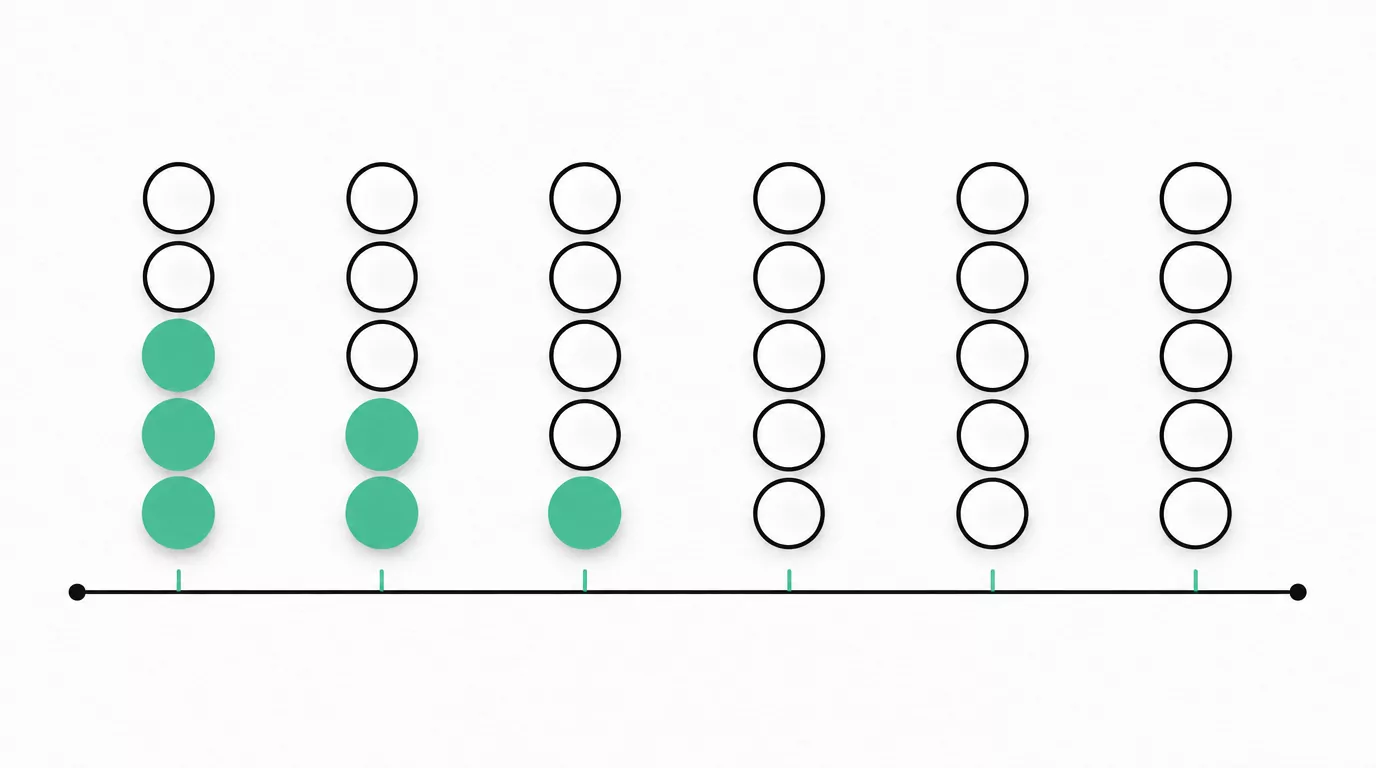
Re-run the same prompts on the same engines and modes at fixed intervals, for example weekly for four to six weeks. Keep the number of runs, the signed-in state and the location the same each time.
Track two things: the share of runs that still contain the wrong claim, and whether the cited URL changed. If those answers link to you, an AI channel group in GA4 shows the visits they send, though not the answers themselves.
No engine documents this, but answers built from pages retrieved at query time have a path to change once the page changes. Answers with no citations do not have that path. No engine publishes a correction timeline either, and Google's recrawl guidance (days to weeks) covers the page, not the answer.
When an error comes back, there is usually a reason:
- A second source still carries the old claim.
- Syndicated or scraped copies of your old page are still live.
- A rival's comparison page states the old fact.
Any of these sends you back to Step 2.
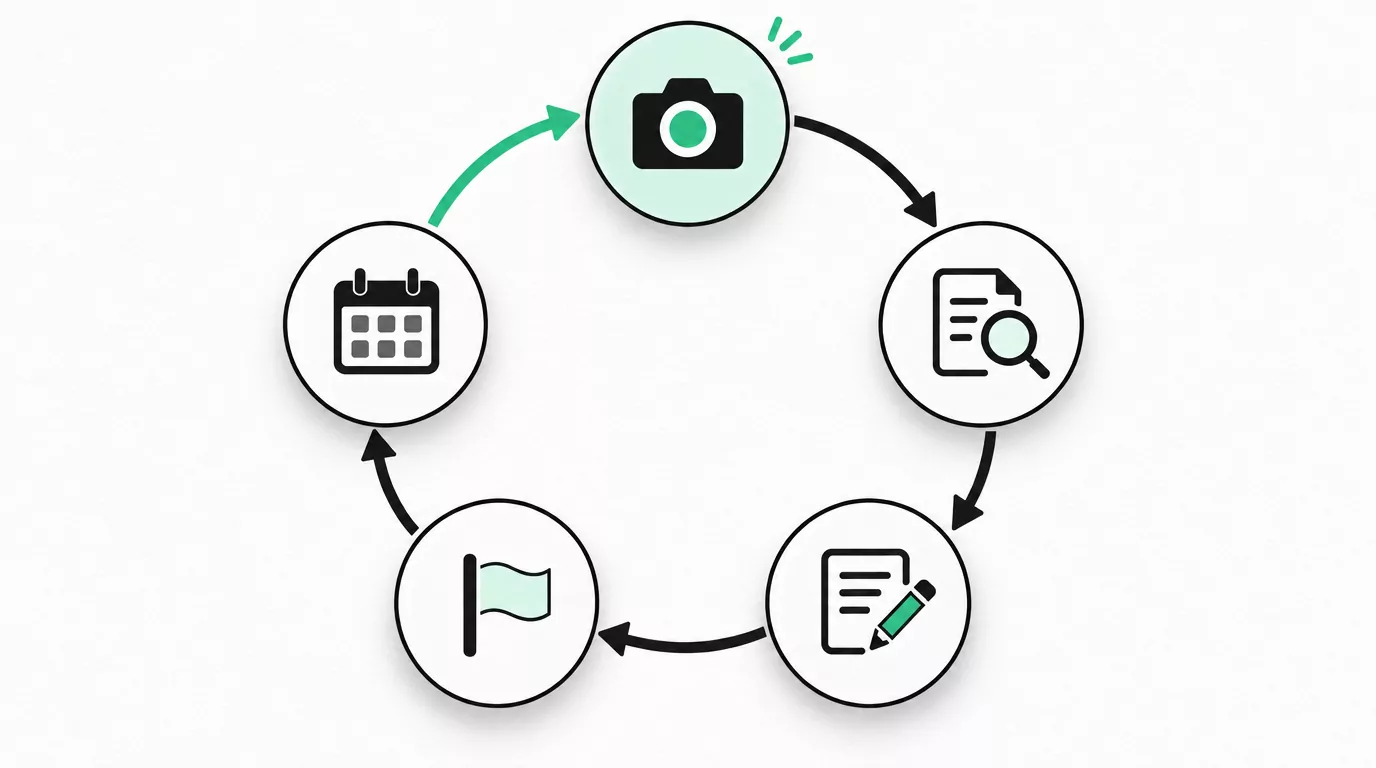
Prevention is cheaper than repair. Run your brand prompts every quarter, keep a change log for facts that move (pricing, leadership, locations, integrations), and update your own pages and the most-cited third-party pages together whenever a fact changes.
MentionForce is built for the tracking side of this: where AI answers mention your brand and which sources those answers cite. Follow MentionForce updates on the blog.
A worked example: how to correct AI Overview errors about a wrong price
Illustration: an invented brand and invented numbers, not data. Example Analytics Co. raised its entry price. Months later, AI answers still quoted the old one.
Record. The team ran "Example Analytics Co. pricing" five times on each engine. In Google AI Overviews, three of five runs quoted the old price.
Trace. The cited pages were an old review-site listing and an archived pricing page at example.com/pricing-2025. Both still showed the old price, so this was a mix of root causes 1 and 2.
Fix. The web team set a 301 from the old pricing URL to the current one, and added a dated line to the live page: "As of May 2026, plans start at the new price." The partnerships lead emailed the review site with the current pricing page as proof. The SEO lead requested a recrawl.
Report. The team filed one report per engine, using the template above.
Re-check. The team re-ran the same prompts weekly, with the same run count and settings.
| Week (illustration) | Runs with the old price / total runs | Cited URL(s) | Action taken |
|---|---|---|---|
| 0 | 3 / 5 | Review-site listing; example.com/pricing-2025 | Asked the review site to update, 301 on the old URL, recrawl, one report per engine |
| 3 | 1 / 5 | Review-site listing, in one run | Followed up with the review site |
| 5 | 0 / 5 | example.com/pricing | Kept the weekly check for one more cycle |
One engine told a different story. Its answers kept quoting the old price at week 3, and none of the cited pages showed that price. Searching the exact old price in quotes turned up a reseller page that still listed it, and it was never cited.
That uncited page was the real source on that engine. The team went back to Step 2, asked the reseller to update its listing, and added that page to the log. A claim can survive on a page the answer never shows you.
Frequently Asked Questions
How accurate are AI Overviews?
Google itself says AI Overviews "can and will make mistakes." The Oumi test for The New York Times found them correct 91 percent of the time with Gemini 3, but it used hard trivia questions, an AI model graded the answers, and Google disputed the method. No single error rate applies to brand queries, so check your own prompts across several runs.
Can you edit an AI Overview with Inspect Element?
No. Inspect Element changes only the copy in your own browser tab. The change disappears on reload, and nobody else sees it.
How do you report wrong information to ChatGPT?
Use the feedback control on the response and say what is wrong and what is correct. Then fix the sources the answer shows. If it shows no sources, fix the pages that back up the true fact, since the claim likely comes from what the model learned in training.
Where does an AI Overview get its information?
From web pages Google retrieves. Google's AI features guide says AI Overviews and AI Mode surface relevant links and may use query fan-out, running several related searches across subtopics and data sources, to build a response.
Can you turn off AI Overviews?
You can hide them in your own browser, but that hides them only from you, not from your buyers. Site owners can limit what Google shows from their own pages with nosnippet, data-nosnippet, max-snippet or noindex, as the robots meta tag guide explains. Those controls also limit normal snippets, and they don't stop a wrong claim repeated from someone else's page. That makes them rarely the right fix for a brand error.