How to Run an AI Visibility Audit: Step-by-Step Checklist and Template
An AI visibility audit is a one-time baseline of how AI assistants such as ChatGPT, Gemini, Perplexity and Google AI Overviews treat your brand: whether their crawlers can reach your site, whether they mention you for real buyer questions and how, which sources they cite, and what to fix first. It ends in a scored fix list.
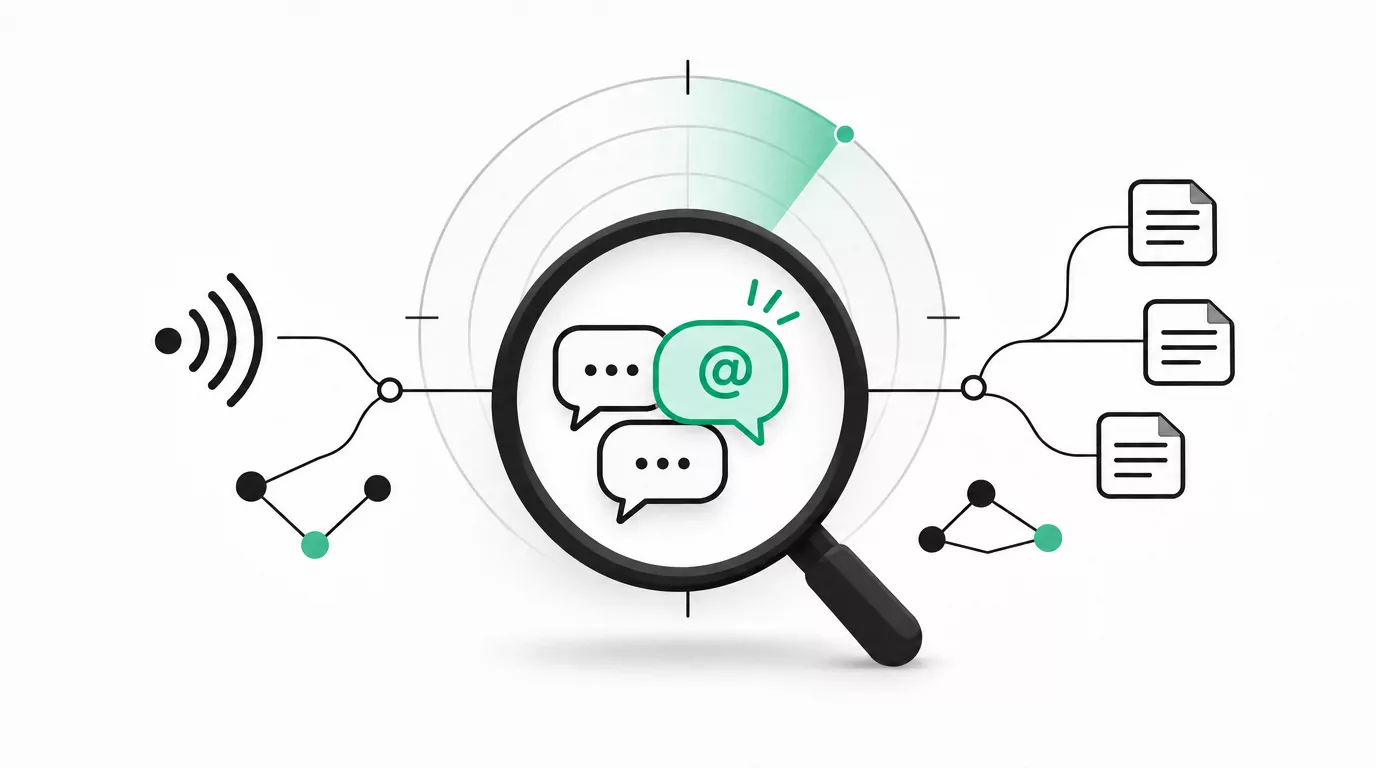
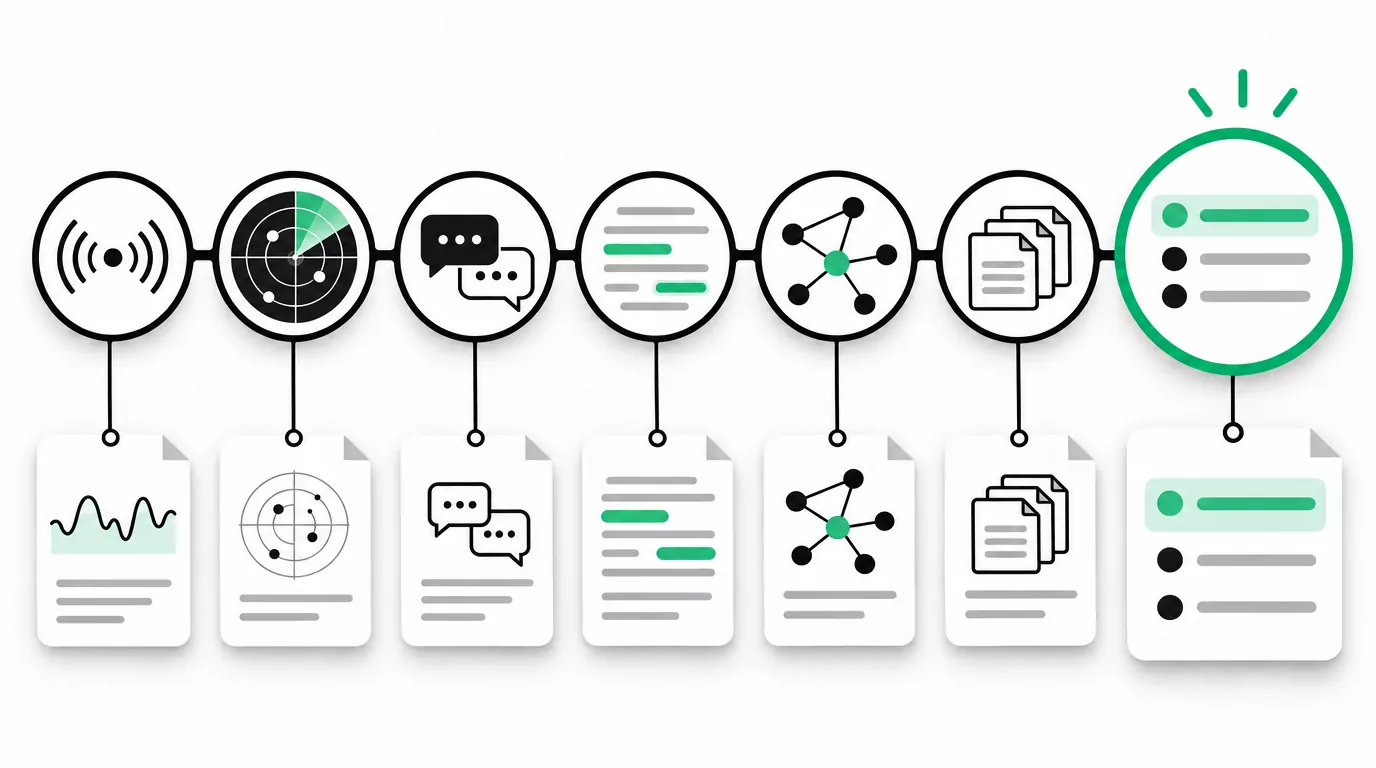
An AI search visibility audit runs in seven steps, and each step leaves a file you can hand to a client:
- Check that AI crawlers can reach the site (access findings).
- Build the prompt set (prompt sheet).
- Run every prompt at least three times per engine (raw answers).
- Log each answer as one row (run log).
- Map the sources the answers cite (citation map).
- Snapshot Search Console, Bing and GA4 (first-party data snapshot).
- Score and rank the findings (fix list).
Answers change from run to run. So every number in the audit is a rate across runs, not a screenshot.
What is an AI visibility audit, and how is it different from tracking?
An AI visibility audit is a snapshot taken once, with a written method, so that it can be repeated later. Tracking is the same prompts run again on a schedule. The audit sets the baseline that tracking measures against.
The same work also goes by GEO audit, AEO audit or LLM visibility audit. This guide says "AI visibility audit" throughout.
| Job | What it is | Output | When to run it |
|---|---|---|---|
| AI visibility audit | A one-time, as-found baseline across engines | A scored fix list | At the start of a client engagement, or before a big site change |
| Ongoing AI visibility tracking | The same prompts run again on a schedule | Trends over time | Monthly or quarterly after the audit |
| SEO audit | Rankings, crawling and on-page checks for classic search results | An SEO fix list | On its own cycle, or before a migration |
The AI and SEO audits share the crawl and index checks, which is why Step 1 can reuse your SEO tools.
Before you start: what should the audit scope include?
Scope decides whether the next audit can be compared with this one. Write down the engines, the competitors and the run conditions before the first prompt goes in.
Pick the engines and report each one separately
Pick the engines your client's buyers actually use. That might be ChatGPT, Gemini, Perplexity, Claude, Microsoft Copilot, Google AI Overviews and Google AI Mode. Give each one its own row in every report.
Even Google's two AI surfaces differ. Google's guide to AI features and your website says AI Mode and AI Overviews "may use different models and techniques," so the answers and links they show will vary.
Name the competitors and brand entities
List three to five competitors the client actually loses deals to, not just the biggest names in the category. Then list every brand entity: product names, sub-brands, founder names, former names and common misspellings. The log only catches the mentions you told it to look for.
Fix the run conditions and write them down
Record how every run is made. Use a logged-out or fresh session, with memory and personalization off. Note the country (or the city, when location matters), the device, the dates and the mode, such as ChatGPT with search on or off.
Answers from an API can differ from what a logged-in user sees, so don't mix the two in one baseline. Freeze the site for the run window too, or the baseline measures a moving target. If you find a critical blocker, log it at once, finish the runs within the week, and fix it after.
Step 1: Can AI crawlers reach the site?
Run the access check first. It is the cheapest step, and one blocked crawler explains a zero mention rate better than any content gap. Record what you find, and change nothing until the baseline runs are logged.

Read robots.txt bot by bot
Fetch the live robots.txt with curl or a browser, not the copy in the repo or CMS, because a CDN can add its own rules to the file it serves. Then read it against each vendor's tokens.
| Engine | Token for search or answer inclusion | Token for model training | Fetcher a user triggers |
|---|---|---|---|
| ChatGPT (OpenAI) | OAI-SearchBot |
GPTBot |
ChatGPT-User (robots.txt rules may not apply) |
| Perplexity | PerplexityBot |
None (PerplexityBot is not used for foundation model training) |
Perplexity-User (generally ignores robots.txt) |
| Claude (Anthropic) | Claude-SearchBot |
ClaudeBot |
Claude-User |
| Google AI Overviews and AI Mode |
Googlebot (the page must be indexed and eligible to show with a snippet) |
Not used here: Google-Extended does not affect Google Search |
Not used here |
| Gemini app (Google) |
Googlebot crawls; Google-Extended decides whether that content grounds Gemini answers |
Google-Extended |
Google-Agent (for agent actions a user requests) |
Each row comes from the vendor's own page: OpenAI's crawler overview, Perplexity's crawler docs, Anthropic's crawler help article, and Google's common crawlers and user-triggered fetchers lists, all checked on November 8, 2026. Google-Extended is a robots.txt token only. It has no user agent of its own, so it never shows up in logs and can't be tested with a request.
Blocking GPTBot does not remove a site from ChatGPT search, but opting out of OAI-SearchBot does, though OpenAI says opted-out sites can still appear as navigational links. OpenAI also says robots.txt changes take about 24 hours to reach its search results. You can ignore OAI-AdsBot, which only visits pages submitted as ads.
Microsoft Copilot has no row: Bing Webmaster Tools reports its citations instead (see Step 6).
Check server or CDN logs, because robots.txt will not show a block
Pull 7 to 30 days of server or CDN logs and filter for the AI user agents in the table. Match each hit against the vendor's published IP file: OpenAI publishes searchbot.json, gptbot.json and chatgpt-user.json, and Perplexity publishes perplexitybot.json. Record each bot's status codes (200, 403, 429 or a challenge page) in the access findings.
Edge features can block a bot that robots.txt allows. In Cloudflare, a Block set in AI Crawl Control is enforced as a WAF custom rule on the zone. And when Enable Bot Preference Sync is on, and at least one Search, Agent or Training policy is set to Block, Block on pages with ads or (for Training) Disallow, Cloudflare adds managed directives to the top of the served robots.txt.
Fetch the raw HTML of the pages that matter
Use curl or view-source on the 5 to 10 pages that answer the priority prompts. Log whether product names, pricing, comparisons or FAQ copy appear only after JavaScript runs.
In Vercel's December 2024 crawler analysis, none of the major AI crawlers it studied rendered JavaScript, while Gemini uses Googlebot's setup and does. That is 2024 data: a reason to check, not a rule.
Record llms.txt and schema as hygiene, not levers
Note whether the site has an llms.txt file and structured data, and mark both as low priority. Google's AI features guide says no special schema.org markup is needed to appear in AI Overviews or AI Mode. Neither is a visibility booster.
Step 2: How do you build the prompt set?
Build prompts from real buyer questions in four types, and score branded prompts apart, since they inflate visibility.
- Non-branded discovery: "best payroll software for startups".
- Comparison and alternatives: "X vs Y" or "alternatives to Y".
- Problem-aware: "how do I fix Z".
- Branded fact-check: "what does [brand] cost" or "is [brand] good for [use case]".
As working practice, 30 to 60 prompts suit a single-brand baseline, with more for multi-product brands and city prompts where location matters. The prompt sheet gives each one an ID, a type, a branded or non-branded tag, a funnel stage and a source.
Source them from Search Console questions, sales notes, support tickets and review sites. No engine publishes per-prompt volume, so a "prompt volume" figure is modeled: never rank by it. SparkToro's January 2026 study found that 142 differently worded prompts for one need drew a fairly steady set of brands. Cover distinct intents, not rewordings.
Step 3: Why must every prompt run more than once?
Answers change between runs, so one pass measures luck. Run each prompt at least three times per engine, over two or more days, and record a rate ("mentioned in 2 of 3 runs"), never yes or no.
In the SparkToro study, 600 volunteers ran 12 prompts through ChatGPT, Claude and Google's AI Overviews or AI Mode 2,961 times. Asked 100 times, ChatGPT and Google's AI had under a 1 in 100 chance of giving the same brand list twice, and closer to 1 in 1,000 for the same order.
Still, the author judged the share of runs a brand appears in to be a reasonable measure. The study was run with Gumshoe, which sells AI tracking, and is not peer reviewed.
Illustrative example: 40 prompts times 5 engines times 3 runs is 600 answers to log. That is why agencies cut engines or prompts before they cut runs.
Three runs is the floor, not statistical proof. Tracking one wrong claim takes more (the correction guide linked in Step 4 suggests five to start), and Step 7 scores a 1 of 3 result as low confidence.
Step 4: What should the run log record?
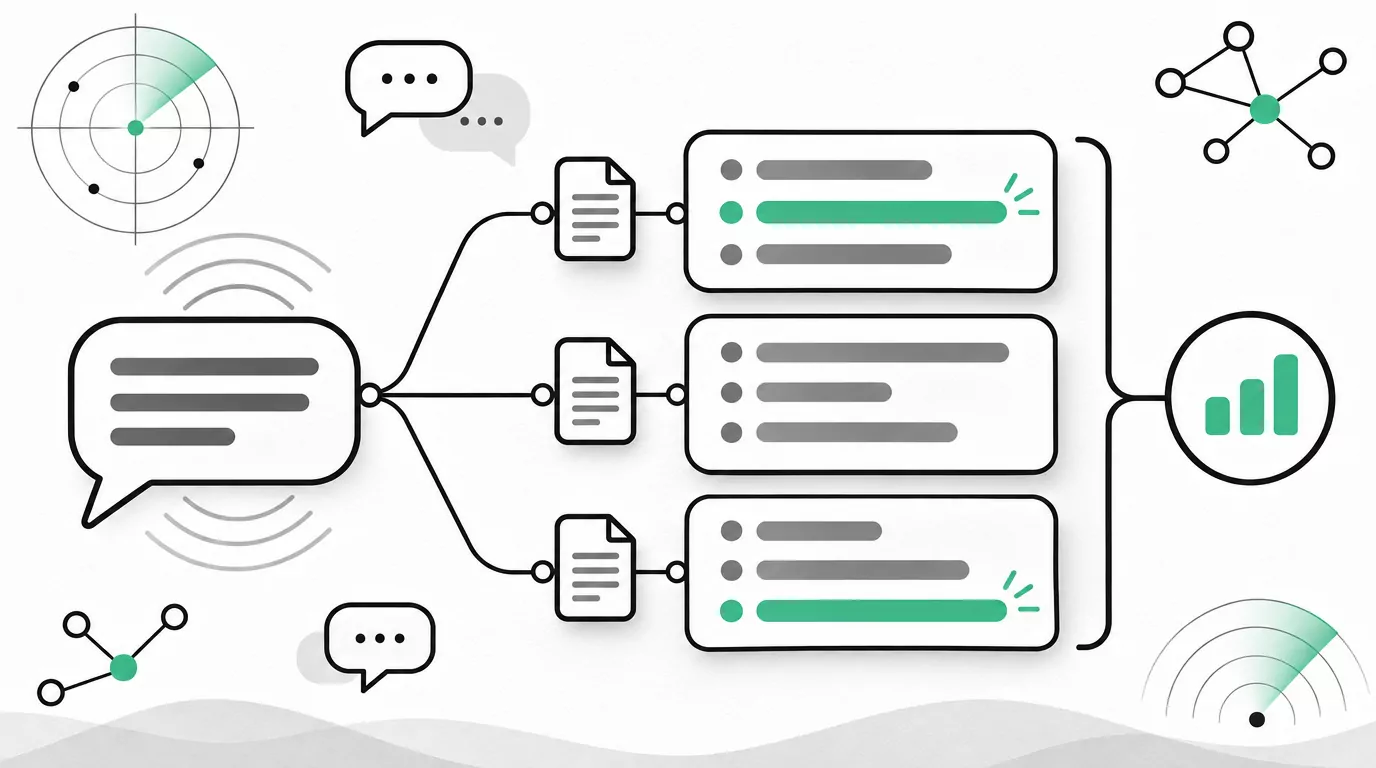
The run log is the audit's raw evidence: one row per prompt, per engine, per run. Every later step reads from it, so set the columns before the first run.
The run log columns
Copy these columns into your own sheet. The two filled rows are an illustrative example with placeholder names, not real data.
| Prompt ID | Prompt | Type | Engine and mode | Run # | Date | Brand mentioned (Y/N) | Order of first mention | Competitors mentioned | How the brand is described | Sentiment | Factual errors | Cited URLs |
|---|---|---|---|---|---|---|---|---|---|---|---|---|
| P07 | best payroll software for startups | Non-branded, consideration | ChatGPT, search on | 1 | Nov 3 | Y | 3rd | Competitor B, Competitor C | "simple setup for small teams" | Positive | None | competitor-b.example/compare, reviews.example/payroll |
| P07 | best payroll software for startups | Non-branded, consideration | ChatGPT, search on | 2 | Nov 4 | N | Not mentioned | Competitor B, Competitor D | Not mentioned | No mention | None | reviews.example/payroll |
There is no #1 in an AI answer. Log the order of first mention for each run, and report it as a range across runs ("2nd to 4th"), never as a single rank.
Keep sentiment and accuracy in separate columns
Code sentiment as positive, neutral or negative, and paste the quote that supports it. Log factual errors (wrong pricing, a product that no longer exists, the wrong headquarters) in their own column.
Errors need a different fix: tracing the claim to its source page. The steps for that are in how to correct wrong information about your brand in AI answers.
Step 5: Which sources do the answers cite?
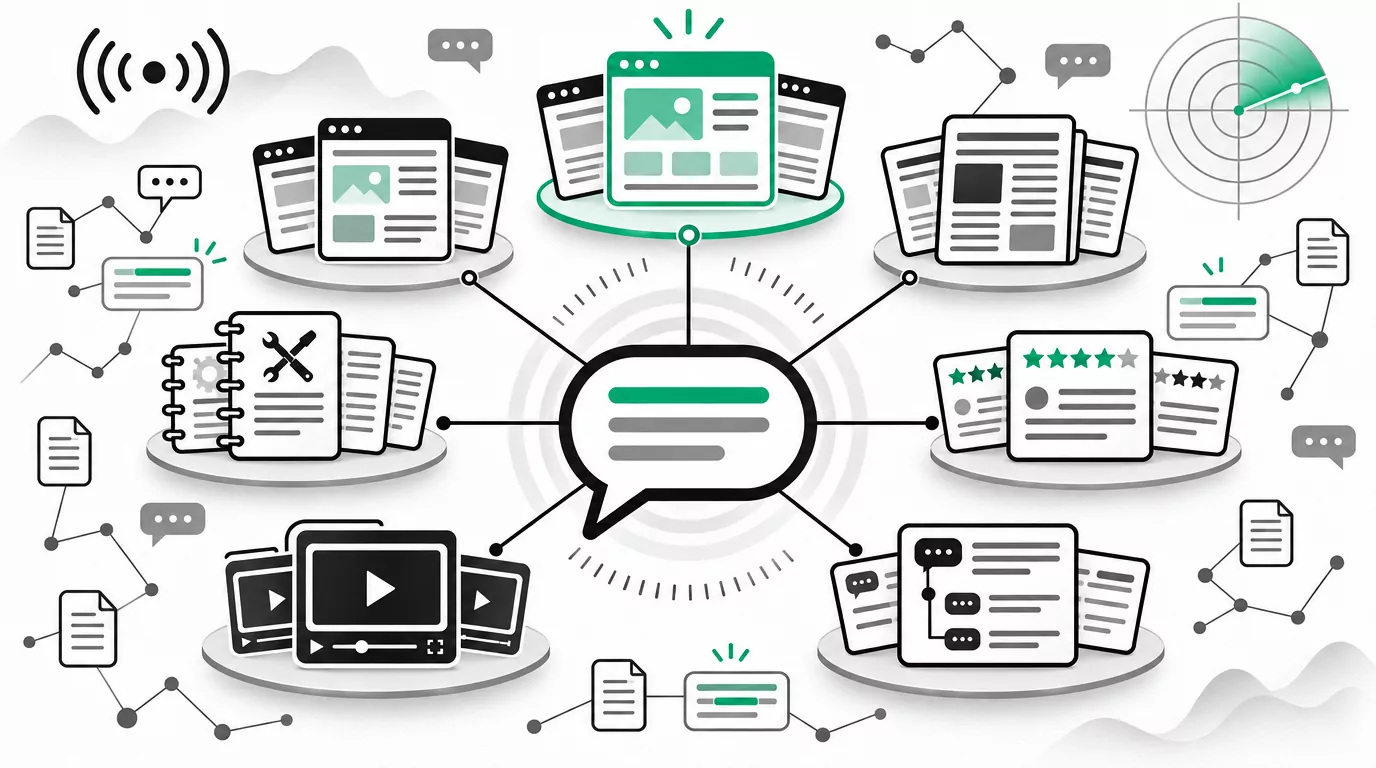
Pull every cited URL from the run log and sort it by source type. The result shows which pages the answers lean on, and where the client is missing.
Use eight source types: own site, competitor sites, publishers and media, review sites and directories (G2, Capterra, Trustpilot and niche directories), forums and communities, video, reference sites such as Wikipedia, and vendor docs. Then pull three outputs from the sorted list:
- Top cited domains per engine. These are the sources each engine leans on for the client's prompts.
- Pages that cite competitors but not the client. These are coverage and outreach targets.
- Client pages that already earn citations. Protect them, and keep them up to date.
Citation display differs by engine. AI Overviews and AI Mode show links, and ChatGPT shows sources when it searches. Answers given without search show none, so log "no sources" instead of leaving the cell blank.
Forums are a category to observe, not to seed. The audit records which threads get cited; it does not plan posts in them.
Step 6: What should you snapshot from Search Console, Bing and GA4?
Prompt runs show what answers say. The platforms' own reports show where your pages were shown or cited. Snapshot each one for the same date range so the next audit can compare. For what each report measures, see what Search Console and Bing add next to GA4.
- Date range. Export the same window from all three, ending on the last run date. Thirty days works, and both Search Console and Bing accept custom ranges. Write the range and the export date on the snapshot.
- Search Console. Google announced the Generative AI performance report on June 3, 2026, and its help page says it reached all websites worldwide by August 31, 2026. Copy total impressions and the top pages by impressions with its export button. It counts impressions only, for AI Overviews and AI Mode, by page, country, device and date, with no query dimension.
- No Search Console report? Google says the site usually has too few impressions in generative AI features, or has excluded itself from them. Record "no report" with that reason rather than dropping the row.
- Bing Webmaster Tools. AI Performance, in public preview since February 2026, covers citations in Microsoft Copilot, AI-generated summaries in Bing and select partners. Copy Total Citations, Average Cited Pages, the most cited pages and a sample of grounding queries. Citations are not visits.
- GA4. Copy AI-referred sessions for the same range. Treat them as directional, because GA4 undercounts AI traffic.
All three are correlation, not attribution. None of them ties an AI answer to revenue.
Step 7: How do you turn findings into a prioritized fix list?
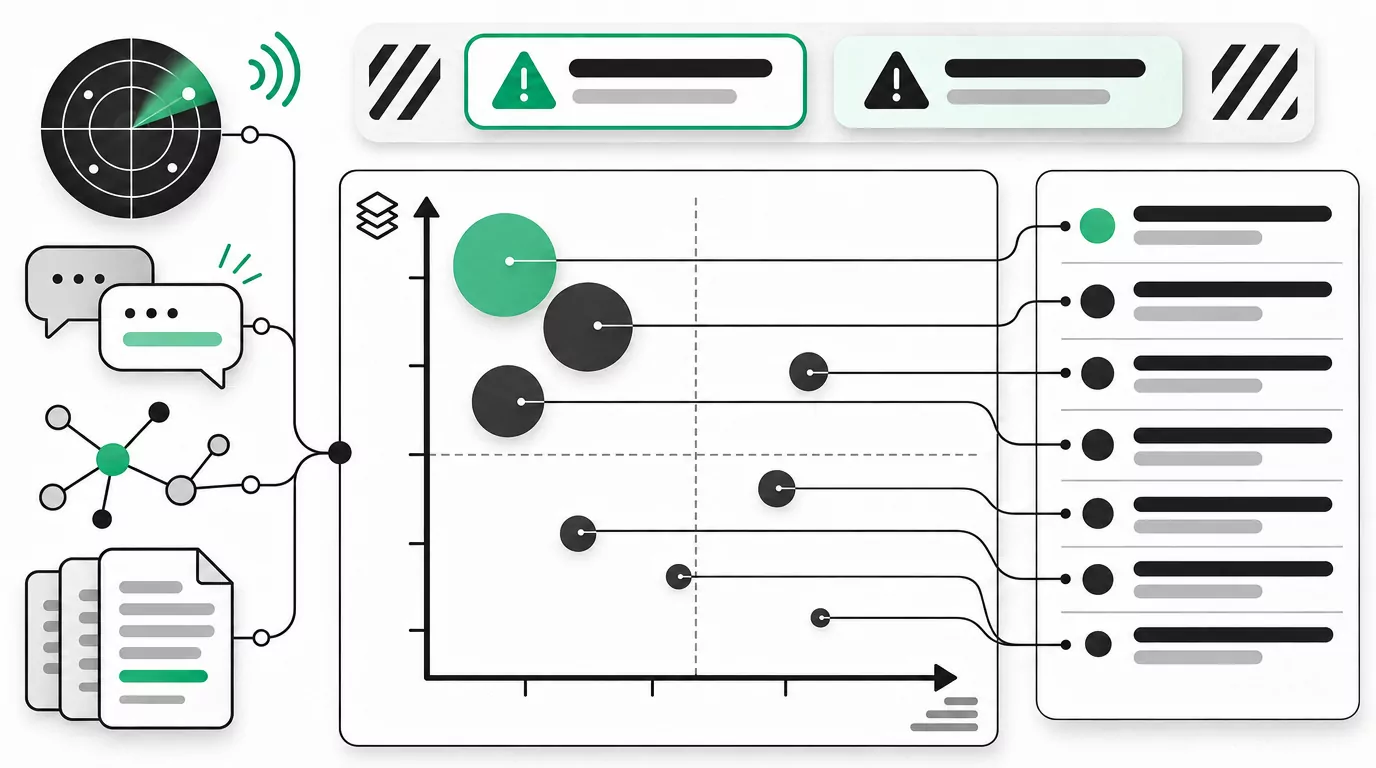
Put blockers first, then score everything else with a simple rule anyone can check. The score is a working rubric, not an industry standard.
Read the patterns before you score
Use these as working heuristics, not rules.
| Pattern | Likely cause | Where to check | Fix type |
|---|---|---|---|
| Absent everywhere, search on and off | Coverage or entity gap | Step 5: who gets cited instead | Coverage/PR or content |
| Mentioned without search, missing or uncited with it | Retrieval gap | That engine's Step 1 access row, then its Step 5 sources | Technical or coverage/PR |
| Present on one engine, absent on another | Access or sources | Its access row (an OAI-SearchBot 403 explains a ChatGPT search gap), then its top cited domains |
Technical or coverage/PR |
| Wrong or outdated facts | Stale or wrong source | Step 4 errors column | Correction |
| Competitors' pages cited instead | Absent from cited pages | Step 5 pages citing only competitors | Coverage/PR |
| No brand named, client or competitor | Answer explains instead of listing brands | Step 5: which pages get cited | Content, scored on citations, not mentions |
| Found in 1 of 3 runs | Low confidence | Run log | None yet: re-run first |
Row two needs a no-search mode, such as ChatGPT with search off. AI Overviews always search, so row two never applies to them.
Score the findings
Two kinds of findings are blockers. One is a crawler blocked at robots.txt or the CDN for an engine in scope. The other is a critical factual error in branded answers.
Score every other finding on three scales from 1 to 3:
- Impact: the business value of the prompt, the size of the gap and the number of engines affected.
- Confidence: how steady the finding was across runs (3 of 3 runs scores higher than 1 of 3), and whether the Step 6 data agrees.
- Effort: how much work the fix takes, where 3 is the most.
Priority = Impact x Confidence / Effort. Show the arithmetic in the table, so the client can check every score.
Illustrative example: invented findings for a placeholder brand, not client data.
| Finding | Evidence (prompts, engines, run rate) | Fix type | Owner | Impact | Confidence | Effort | Priority |
|---|---|---|---|---|---|---|---|
CDN returns 403 to OAI-SearchBot
|
Logs show 403 on every hit; Brand A in 0 of 36 ChatGPT search runs (P01 to P12) | Technical | Client developer | Not scored | Not scored | Not scored | Blocker: fix first |
| Branded answers quote a plan that no longer exists | P31, P33: 3 of 3 runs in Gemini, 2 of 3 in AI Overviews | Correction | Client marketing | Not scored | Not scored | Not scored | Blocker: fix first |
| Missing from "alternatives to Competitor B" answers | P14 to P17: 0 of 3 runs on four engines; review sites cited in most runs | Coverage/PR | Agency | 3 | 3 | 2 | 3 x 3 / 2 = 4.5 |
| Comparison page copy loads only with JavaScript | Raw HTML check; P08 to P10 cite Competitor C's comparison page instead | Technical | Client developer | 2 | 2 | 1 | 2 x 2 / 1 = 4 |
| Pricing page not cited for cost prompts | P30: cited in 1 of 3 Perplexity runs | Content | Agency | 2 | 1 | 1 | 2 x 1 / 1 = 2 |
| Onboarding described as slow | P22: 1 of 3 Claude runs | Content | Client marketing | 1 | 1 | 2 | 1 x 1 / 2 = 0.5 |
Name the fix type for each finding, but write the fixes somewhere else. Content work, outreach and technical changes are separate jobs with their own owners. For the correction fix type, the same guide to correcting AI answers about your brand applies.
How should an agency package the baseline for a client?
Package the audit in nine parts that a second analyst could check and repeat. The method page matters most, because without it the next audit can't be compared with this one.
- One-page summary: mention rates per engine, any blockers and the top three scored fixes.
- Method page: engines, modes, prompts, runs, dates and conditions.
- Mention rates per engine: shown as the range across runs, with branded and non-branded apart.
- Share of voice against the named competitors: with the denominator written down. That is mentions of the brand divided by mentions of all tracked brands, across the same prompts and runs, per engine. For a worked example with ranges, see how to calculate share of voice.
- Citation map: from Step 5.
- Access findings: from Step 1.
- First-party data snapshot: from Step 6.
- Scored fix list: from Step 7, with a re-run date.
- Appendix: the prompt sheet and full run log, so every number traces to its answers.
Run the same prompts again under the same conditions, monthly or quarterly. The value of the audit is the comparison, so change the prompt set only between audits, and say so when you do.
AI search visibility audit checklist
Copy this into your own sheet and tick each item as you go. Each line is a check you can prove with a file.
Scope
- Listed the engines in scope and the mode used for each, such as search on or off.
- Named three to five competitors the client loses deals to.
- Listed brand entities: products, sub-brands, founders, former names and misspellings.
- Wrote down the run conditions: session type, memory off, location, device and dates.
Access
- Fetched the live
robots.txtand logged the rule for every AI token in the table. - Pulled 7 to 30 days of server or CDN logs and filtered for AI user agents.
- Matched bot hits against each vendor's published IP file.
- Recorded the status codes per bot: 200, 403, 429 or a challenge page.
- Checked CDN bot settings, including any managed
robots.txtrules. - Fetched the raw HTML of the 5 to 10 priority pages and noted copy that needs JavaScript.
- Recorded whether
llms.txtand structured data exist, marked as hygiene.
Prompts
- Wrote 30 to 60 prompts across the four prompt types.
- Tagged every prompt as branded or non-branded, with a funnel stage.
- Sourced prompts from Search Console, sales notes, support tickets and review sites.
- Checked that the prompts cover distinct intents, not rewordings.
Runs
- Ran every prompt at least three times per engine, over at least two days.
- Finished all runs within one week, with the site frozen.
Logging
- Logged one row per prompt, engine and run.
- Recorded the order of first mention per run, reported as a range.
- Kept sentiment and factual errors in separate columns, with quotes.
- Wrote "no sources" wherever an answer cited nothing.
Citations
- Sorted every cited URL by source type.
- Listed the top cited domains per engine.
- Listed pages that cite competitors but not the client.
- Listed client pages that already earn citations.
First-party data
- Exported the Search Console Generative AI performance report for the run window, or wrote "no report" and why.
- Exported Bing AI Performance citations and cited pages for the same window.
- Copied GA4 AI-referred sessions for the same window, marked as directional.
Prioritize
- Listed blockers first.
- Scored every other finding for impact, confidence and effort, with the arithmetic shown.
- Gave each finding a fix type and an owner.
Deliver
- Wrote the one-page summary.
- Wrote the method page.
- Reported mention rates per engine as ranges, branded and non-branded apart.
- Stated the share of voice denominator.
- Set a re-run date with the same prompts and conditions.
- Attached the prompt sheet and run log.
MentionForce is built for the tracking side of this: where AI answers mention your brand, how you compare with competitors, and which sources those answers cite. Follow MentionForce updates on the blog.
Frequently Asked Questions
What is an AI search audit?
It is another name for an AI visibility audit: a baseline of how AI answers mention and describe a brand, and which sources they cite. It shares only the crawl and index checks with an SEO audit.
Is an AI visibility checker the same as an audit?
No. An AI visibility checker runs one scan at one moment, while an audit repeats runs per engine under a written method the next audit can follow. A checker is a quick first look, nothing more.
What is a good AI visibility score?
There is no agreed benchmark. Each tool defines its own visibility score, so scores from different tools can't be compared. Judge the client against the named competitors on the same prompts and runs, and against its own last audit.
Can ChatGPT run an AI visibility audit for you?
It can help draft prompts and summarize a run log. But asking one engine about itself is one run of one engine. It can't see other engines' answers or your CDN logs, so it can't replace the steps above.
Can you run an AI visibility audit without paid software?
Yes, for a first baseline. A spreadsheet can hold the prompt set, the run log, the citation map and the fix list. Software mainly saves time on the repeated runs and on grouping citations, which matters more once you track every month.
How long does an AI visibility audit take?
Count the answers, not the prompts: prompts times engines times runs. The Step 3 example is 600 answers to log, before the access checks and the platform exports. Time your first ten logged answers, then multiply before you quote the job.
How do you monitor AI visibility after the audit?
Re-run the frozen prompt set on the date set in the fix list, and earlier after a site migration, a pricing or product change, or a major engine or model update. Count a change as real only if a full re-run under the same conditions confirms it, since one run is noise. Log site edits between audits to explain each move. For the re-runs themselves, follow a monthly AI visibility measurement protocol.