How to Get ChatGPT to Recommend Your Business (and Check It City by City)
There is no directory, form or paid listing that makes ChatGPT recommend a business. What you can do is test "best [service] in [city]" and "near me" prompts for each location in ChatGPT, Google AI Mode and AI Overviews. Record which competitors and sources each answer names, then earn a presence on those exact sources.
That is the honest answer to how to get ChatGPT to recommend your business. Answers differ by city, by engine and from one run to the next, so the job is to measure each location before you change anything. Online and B2B businesses can use the same test and log method: swap the city prompts for category prompts such as "best [category] tool for [use case]".
Can you list your business on ChatGPT?
No. ChatGPT has no submission form, business directory or paid placement for the businesses it names in its answers. You cannot buy or claim a spot in a recommendation.
OpenAI does run a program for merchants, but it is for product sellers. The ChatGPT merchants page says "Share your product feed to reach shoppers more effectively", and the setup lives in OpenAI's commerce docs. The same page says sellers can send shoppers to their own site or app by default. A plumber, dental clinic or restaurant has no catalog to feed, so this does not help storefront or service-area businesses.
What does exist is data licensing between OpenAI and big data owners. Axios reported on July 23, 2026 that Yelp is licensing reviews, photos and other business information to OpenAI, so ChatGPT can surface Yelp content in its answers. Per Axios, the financial terms were not disclosed, the deal does not stop Yelp from making similar deals with other AI companies, and OpenAI controls how the experience looks. None of that tells you who gets recommended. It only tells you one source ChatGPT can now draw on.
So the question is not "where do I submit my business?" It is "which sources do the answers in my cities rely on, and am I on them?"
Where does ChatGPT get its local recommendations?
ChatGPT builds local answers from web search, run through outside search providers, plus location data and third-party business listings. OpenAI documents how location is used. It does not publish a list of which sources win, so the rest has to come from your own tests.
What OpenAI says about location
OpenAI's help article on searching the web with ChatGPT explains the basics. ChatGPT "collects general location information based on your IP address" and may share that general location with third-party search providers. Its own example: if you ask for "good restaurants near me" from the San Francisco area, ChatGPT may rewrite the prompt into the search query "top restaurants San Francisco".
The same page says "Device location sharing is optional and off by default." If a user shares device location, ChatGPT may share it with "trusted third-party providers" for things like "nearby business listings". It also notes that a VPN can change the inferred location, and that saved memories may shape the rewritten query. For Enterprise and Edu workspaces, OpenAI's Enterprise and Edu search article names the Bing search engine and "specialized data providers". Both pages were checked on November 6, 2026.
What Google says about AI Mode and AI Overviews
Google's guide to AI features and your website says "There are no additional requirements to appear in AI Overviews or AI Mode, nor other special optimizations necessary." Its list of best practices includes checking that your Merchant Center and Business Profile information is up to date. It also says there is "no special schema.org structured data that you need to add."
Google adds that both features may issue several related searches to build one answer. That is one reason a single prompt can pull in sources you would not expect.
Why you should not trust one data source claim
You may have read that most of ChatGPT's local results come from Foursquare. A Steady Demand study by Ben Fisher, published August 21, 2026, tested that claim with 2,880 prompts across 12 US metros and 12 verticals. It found a 0.00% Foursquare citation share on ChatGPT's main surface and 0.06% on a cross-check. Yelp was attached to structured business cards in 95.83% of runs.
The study traces the popular figure to a May 2025 test of 50 prompts in five Spanish cities. That test found 60% to 70% of the businesses ChatGPT placed first came from Foursquare. The scope got lost as the number was repeated.
Other observations point in other directions. Zarla's guide (updated August 2026) reports that business names in ChatGPT's local lists carried Google ratings and review counts, that city-level lists stayed stable while the wording changed, and that suburb-level prompts often named nobody. These are third-party observations from specific samples and dates. The takeaway is simple: sources vary by engine, category and city, so log them per location.
How do you test whether ChatGPT recommends each location?
Pick a few markets, write a fixed set of prompts per city, control the location each engine assumes, and run every prompt more than once. The output is a simple count per city: named in X of N runs. That count is your baseline before you change anything.
- Choose the locations.
- Write 6 to 10 prompts per category per city.
- Control location and session.
- Run each prompt more than once.
- Adapt the grid if you are not a local business.
1. Choose the locations
Start with three to five markets ranked by revenue or growth. A full rollout across 200 branches can wait until the method works.
Franchises and multi-location groups should include one strong location and one weak one. The strong location acts as a control. If it vanishes from answers too, the cause is probably engine-wide, not local.
2. Write 6 to 10 prompts per category per city
Use the same templates in every city so the results compare cleanly. Write them the way a customer would ask, not the way you would describe yourself.
| Prompt type | Template | Example |
|---|---|---|
| Discovery | best [service] in [city] | best family dentist in Columbus |
| Near me | [service] near me (location set to that city) | emergency plumber near me |
| Neighborhood | [service] in [neighborhood], [city] | physical therapy in German Village, Columbus |
| Constraint | [service] in [city] with [need] | 24-hour emergency plumber in Tampa; pediatric dentist in Austin that takes [insurance] |
| Comparison | [brand] or [competitor] for [service] in [city] | [your brand] or [Competitor A] for roof repair in Denver |
| Branded | is [brand] [location] any good | is [your brand] Denver any good |
Keep branded prompts in a separate group. They test how an engine describes you once someone already knows your name. The unbranded prompts test whether you get named at all, which is the question that matters most.
3. Control location and session
Name the city in the prompt text, even for "near me" tests where you can. Use a temporary chat with memory off, because OpenAI says saved memories can shape the search query. Note whether a VPN was on and which city it pointed to.
For Google, record which location Google used for the search. For every engine, write down the location it appears to assume from the answer itself. If an answer about Tampa lists businesses in St. Petersburg, that is a finding, not noise.
4. Run each prompt more than once
Run each prompt several times on different days and record the result as "named in X of N runs". One screenshot is not evidence. AI answers change from run to run, and a single good result can hide a weak baseline. An AI visibility audit sets that baseline once, with a written method you can repeat.
How many runs you need depends on how stable each answer is. Start with a few runs per prompt and add more where results swing.
5. Adapt the grid if you are not a local business
An online store, SaaS product or B2B firm can run the same grid with a different first column. Replace cities with use cases or buyer types, such as "best invoicing tool for freelancers" or "best payroll provider for a 20-person startup". Keep the same rule: a fixed prompt set, several runs, and one row per run. To turn those rows into one competitive figure, see how to calculate share of voice.
Location still matters a little for these businesses. Answers can change by country, so note which market each run came from if you sell in more than one.
What should you record from each answer?
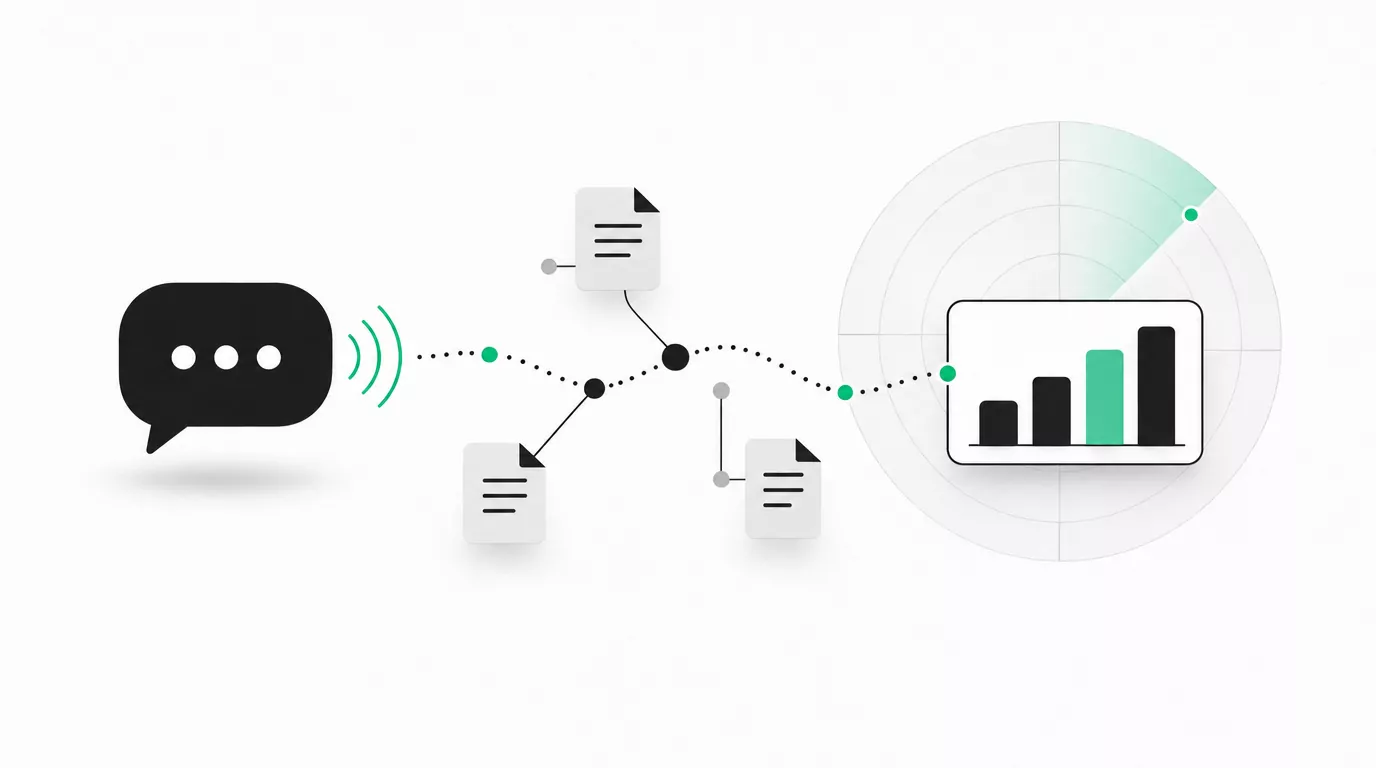
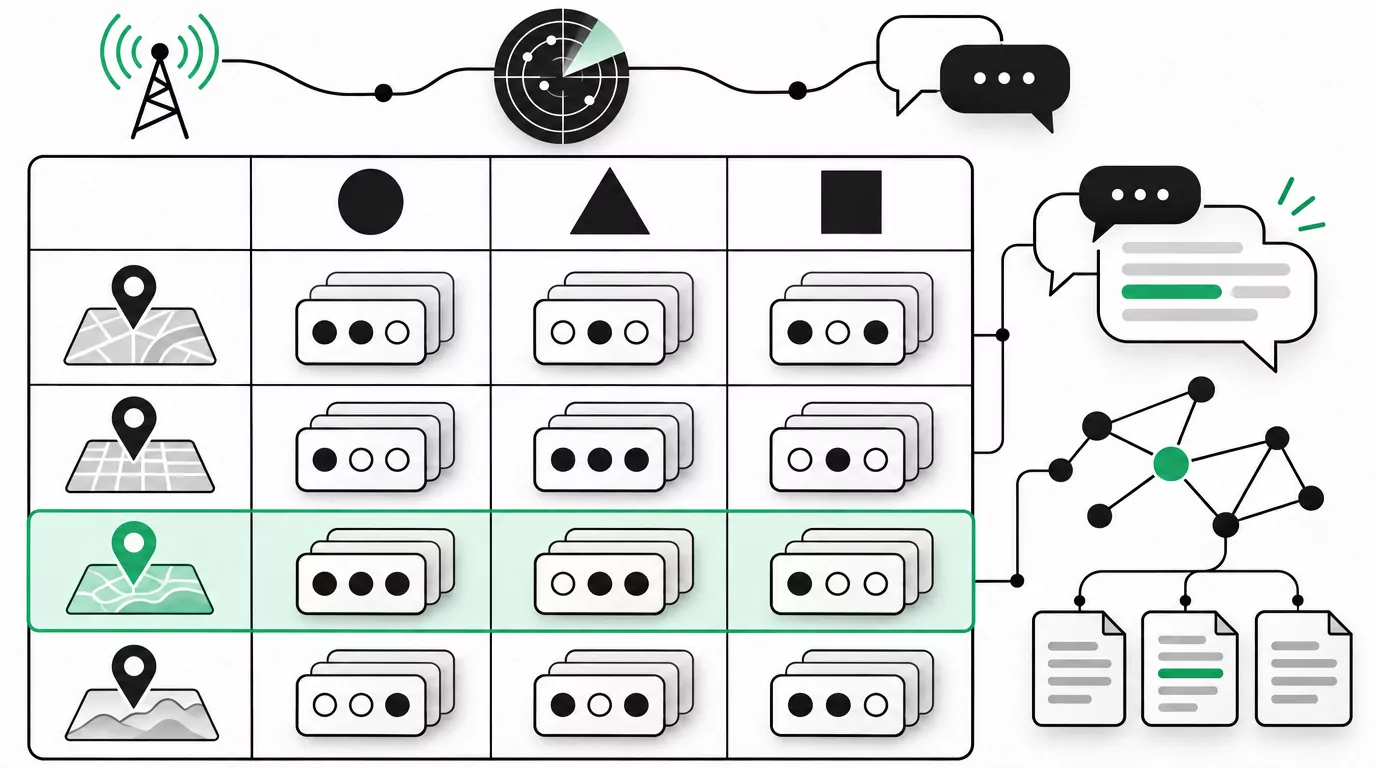
Record whether your location was named, where it sat in the list, which competitors appeared, and which domains the answer cited. Cited domains are the most useful column. They show you exactly which sources to work on in each city.
A spreadsheet is enough. Use one row per prompt, per run.
| Column | What to write |
|---|---|
| Date | The day of the run |
| City | The market you are testing |
| Engine | ChatGPT, AI Mode or AI Overviews |
| Prompt | The exact prompt text |
| Run | 1, 2, 3 and so on |
| Your location named | Yes or no |
| Order in the list | Your position, if named |
| Competitors named | Every business in the answer |
| Business card or data provider | Any card, map or provider label shown |
| Cited domains | Every domain linked as a source |
| Source type | Review site, directory, local publisher or "best of" list, brand site, forum, video |
Once a few cities are logged, a side-by-side view of the three engines for one city shows how much they disagree. The table below shows the shape of that view. It is an illustration with placeholder names, not real data.
| Prompt (one city) | ChatGPT | Google AI Mode | Google AI Overviews |
|---|---|---|---|
| best [service] in [city] | [Competitor A], [Competitor B]; cites [review site] | [Competitor A], your location; cites [local publisher] | No AI Overview shown |
| [service] near me | [Competitor B]; business card from [data provider] | Your location, [Competitor C]; cites [directory] | [Competitor A]; cites [review site] |
| 24-hour [service] in [city] | Declined to name a business | [Competitor C]; cites [brand site] | [Competitor C], [Competitor A] |
Illustration, not real data.
Two habits keep the log honest. First, record "no AI Overview" as a result when none appears, rather than skipping the row. Second, treat order in a list as a range ("second to fourth across five runs"), not a rank, because it shifts from run to run.
Also note whether the answer showed any sources at all. An answer with citations was built at least partly from a live search, so the cited domains tell you where to work. An answer with no sources gives you less to act on. Log it, and compare it with runs of the same prompt that did show sources.
Why does ChatGPT recommend a competitor and not you?
Usually because the competitor appears on the sources that answer relies on and you do not, or your details there are incomplete. Your log tells you which case you are in. Match the pattern you see to a likely gap before you spend time fixing anything.
| Symptom in your log | Likely gap | What to check |
|---|---|---|
| Named in AI Mode but not in ChatGPT | Coverage on the third-party sources ChatGPT shows in your logs, such as a business card provider | Whether your profiles on those sources are complete and correct |
| Named in one city but not another | A gap at the location level | That location's page, its own reviews, and local press in that city |
| Named with the wrong address, hours or branch | Inconsistent data | The source the answer cites; fix it there first |
| Nobody named for suburb or neighborhood prompts | A coverage limit of the engine | Test the same prompt at city level too |
| A competitor named everywhere and cited from a local "best of" list | A gap in editorial sources | That list and its publisher as an outreach target |
| The engine declines to recommend (common for medical or legal prompts) | No gap | Record "declined"; it is not a loss |
Wrong details deserve a quick fix, because a wrong address sends customers to the wrong door. Correct the source the answer cites, then re-test after it updates. For errors in Google's AI answers, see how to correct wrong information in AI Overviews.
Turn the log into a source priority list
For each category, count every cited domain by how many cities and engines cite it. A domain cited in four of five cities across two engines goes to the top. A domain cited once goes to the bottom.
The domains will differ by vertical. Home services logs may surface Angi, BBB or Nextdoor. Clinics may see Healthgrades or Zocdoc, and restaurants may see Tripadvisor, OpenTable and local food press. Treat these as things to look for, and act only on domains that appear in your own logs.
How to get ChatGPT to recommend your business: close the source gaps
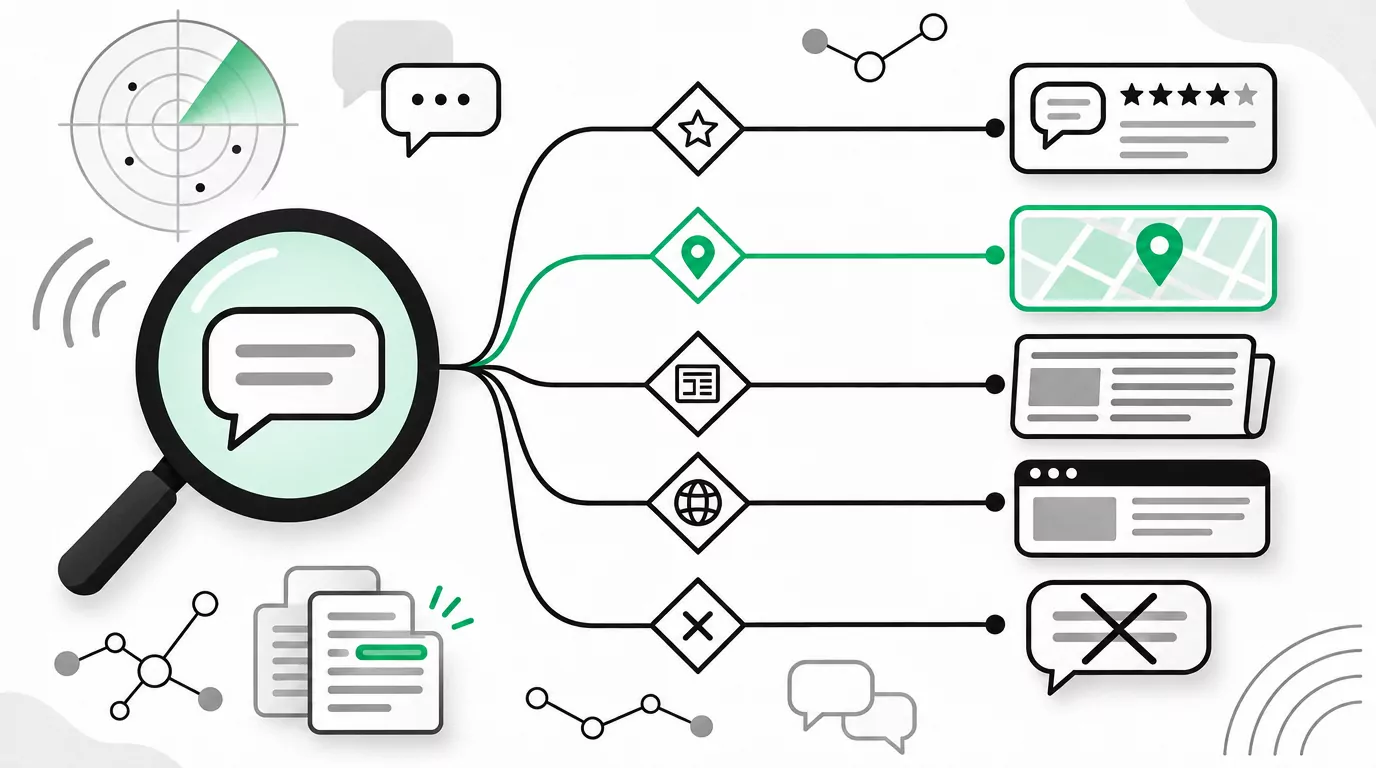
Work through your source priority list from the top. For each cited domain, get a complete and accurate presence there, earned the way that platform allows. Then make your own location pages worth citing.
Review and listing platforms the engines actually cite
Claim and complete the profiles your logs point to. Use an identical name, address and phone number everywhere, and set the right categories, hours and service areas. Small differences, such as "Suite 4" on one site and "#4" on another, are worth cleaning up.
Reviews need care, because each platform has its own rules. You can ask real customers for reviews where a platform allows it. Yelp does not: its Don't Ask for Reviews page says proactively asking "may hurt your Yelp rating" because its software may not recommend reviews that seem prompted.
The law sets a floor for every platform. The FTC's rule on consumer reviews, 16 CFR Part 465, bans fake reviews, buying positive or negative reviews, and review suppression. No AI answer is worth that risk.
Local publishers and "best of" lists
Local "best of" lists, city magazines and neighborhood news sites often show up as cited sources. Earn inclusion the slow way: local awards, community work, useful local data a reporter can use, and real press. Never pay for placement that is not disclosed.
Start with the lists your logs show for your weakest city. One cited local list in that market is worth more than ten generic directory listings nobody cites.
Location pages an engine can cite
Give each location its own page with facts unique to it. Include the services offered there, staff, hours, neighborhoods served, parking, insurance accepted and local proof such as projects or community work. A page that only swaps the city name gives an engine nothing new to cite. To plan each page from the prompts where you are missing, see how to optimize content for AI search engines.
Make sure your store locator outputs crawlable HTML, not content that appears only after JavaScript runs. OpenAI's crawler documentation says sites opted out of OAI-SearchBot "will not be shown in ChatGPT search answers", so check that your robots.txt does not block it. The ChatGPT search technical checklist covers the other crawler checks.
LocalBusiness markup is hygiene, not a booster. Google says no special schema is needed for its AI features, and that structured data should match the visible text on the page.
Keep Google's own data current for AI Mode and AI Overviews
Google's AI features guide tells site owners to keep Business Profile and Merchant Center information up to date. For a multi-location business, that means every location's hours, categories and holiday changes. It is routine work, but a stale profile can undo the rest.
What to skip
Some popular tactics waste time or carry real risk. Leave these out of the plan:
- Thin city pages. Dozens of pages that only swap the city name give engines nothing new to cite.
- Paid or undisclosed list placement. It can break platform rules, and readers stop trusting the list.
- Posting on forums to plant mentions. Planted posts tend to get removed and can hurt your name.
- Files or markup sold as a shortcut. Google says you do not need new machine readable files, AI text files or special markup for its AI features.
- Changing dates to look fresh. Update a page when its facts change, not to game a crawler.
What changes for franchises, clinics and home services?
The method stays the same, but each type of business has its own traps. Franchises fight brand versus branch confusion, clinics run into engines that hedge, and home services depend on how "near me" gets resolved.
Franchises and multi-location brands
ChatGPT may name the brand but not which location to visit. Log brand mentions and branch mentions separately so you can see the difference.
Pick one naming convention, such as "[Brand] [Neighborhood]", and use it on every profile and location page. Tie reviews to each location rather than pooling them under the brand, so each branch has its own proof.
Clinics and healthcare practices
Engines often hedge on medical recommendations or decline to name a provider. Log those runs as "declined" and keep testing specialty and insurance prompts, which are closer to how patients search.
Healthcare directories tend to appear in these logs. Check which ones show up in your cities and make sure each provider's details are current there.
Home services and service-area businesses
A business that travels to customers may have a service area rather than a public address. "Near me" results depend on the location the engine infers, so test from each city you serve, not just your head office.
Emergency and "open now" prompts matter most here. If your hours say 24/7, make sure every cited source says the same.
How often should you re-test each city?
Re-test each city once a month, and again after any change you make. Compare "named in X of N runs" per city and per engine over time. Changes tend to be slow and uneven, so nobody can promise a date when results will move.
This is also the practical answer to how to get AI to recommend your business over time: keep the same prompts, keep the same log, and watch the trend rather than any single answer. If you report to clients or a franchise network, report per location. A blended number across 40 branches hides the five that need help.
Decide in advance what counts as progress. Going from 0 of 5 runs to 2 of 5 in one city is a real change. So is a new cited domain that now lists your location, or a wrong address that no longer appears. Write these down next to the date of the fix that came before them, but remember that timing alone does not prove cause.
Visits are a separate signal. You can track AI referrals in GA4 to see when people click through from ChatGPT to your location pages. Treat that data as directional, not attribution, because many people act on an answer without clicking.
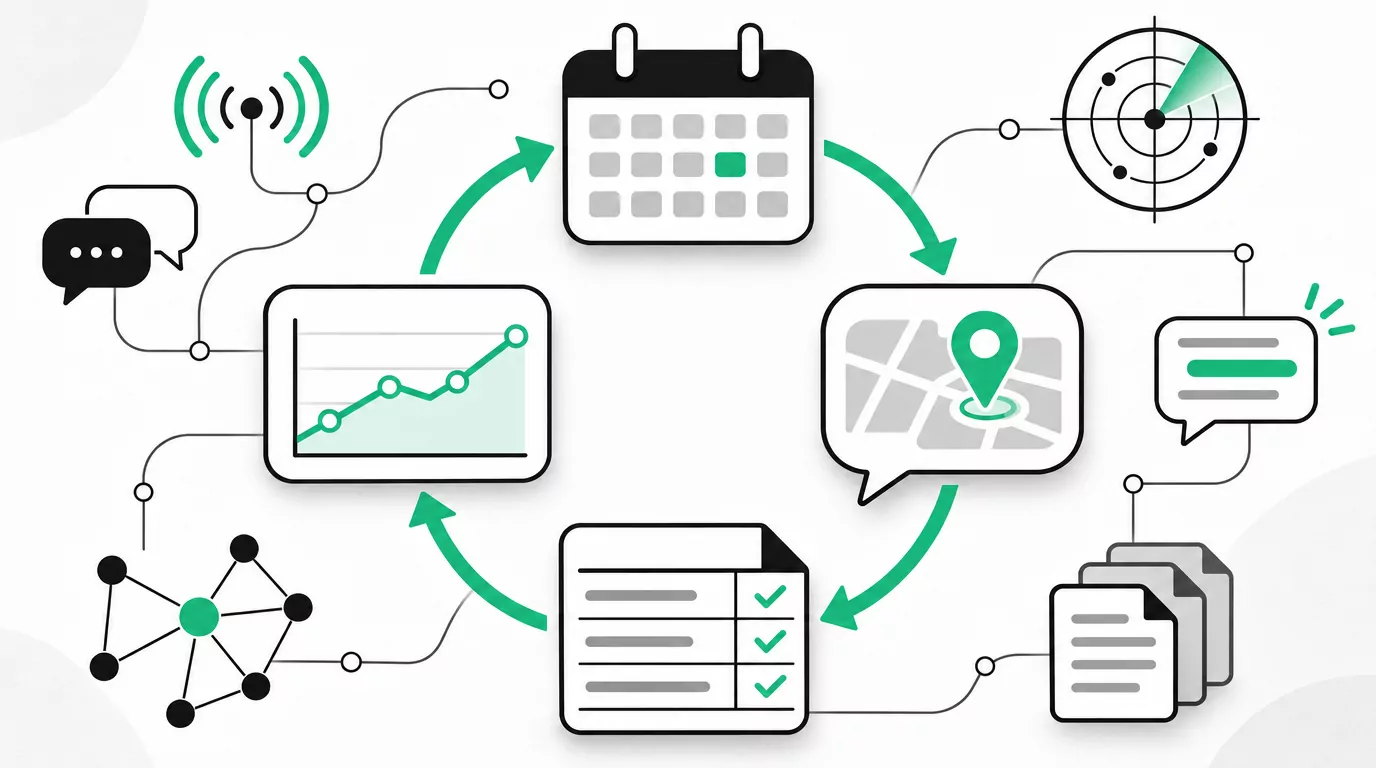
Keep the log even when nothing changes. The sources AI answers rely on shift over time, and an old log is what lets you spot the shift.
MentionForce is built to track where AI answers mention your brand, how you compare with competitors, and which sources those answers cite. Follow MentionForce updates on the blog.
Frequently Asked Questions
How do you get ChatGPT to recommend you?
Find out which sources ChatGPT cites when people ask for businesses like yours, then build a complete and accurate presence on those sources. Test the same prompts several times and log the cited domains, because answers vary from run to run. There is no form or listing that makes it happen directly.
To help ChatGPT recognize the business at all, use the same name, address, phone number and description on every profile. Give each location a crawlable page with facts unique to it, and make sure OAI-SearchBot is not blocked.
Can you pay to get your business on ChatGPT?
No. There is no paid placement in the businesses ChatGPT recommends, and no directory to join. OpenAI's merchant program is a product feed for merchants who sell products, not a listing for local or service businesses.
How can I get more reviews for my business without breaking platform rules?
Ask real customers where a platform allows it, and follow each platform's own policy. Yelp asks businesses not to request reviews at all. The FTC's consumer review rule bans fake and bought reviews and review suppression everywhere.
Do "near me" prompts work in ChatGPT?
Yes. OpenAI says ChatGPT may use an approximate location based on your IP address, and device location sharing is optional and off by default. A VPN or saved memories can change the result, so name the city in the prompt when you test.
How do you get AI to recommend your business in Google AI Mode, AI Overviews, Gemini and Perplexity?
Use the same test and log method for each engine, because each one leans on different sources. For Google's AI features, Google says there are no special requirements beyond normal SEO and up-to-date Business Profile and Merchant Center data. For any engine, act on the domains your own logs show it citing.